Wall Mounts, Stands & Accessories

$39 you
pay $23Ends in
11 Days

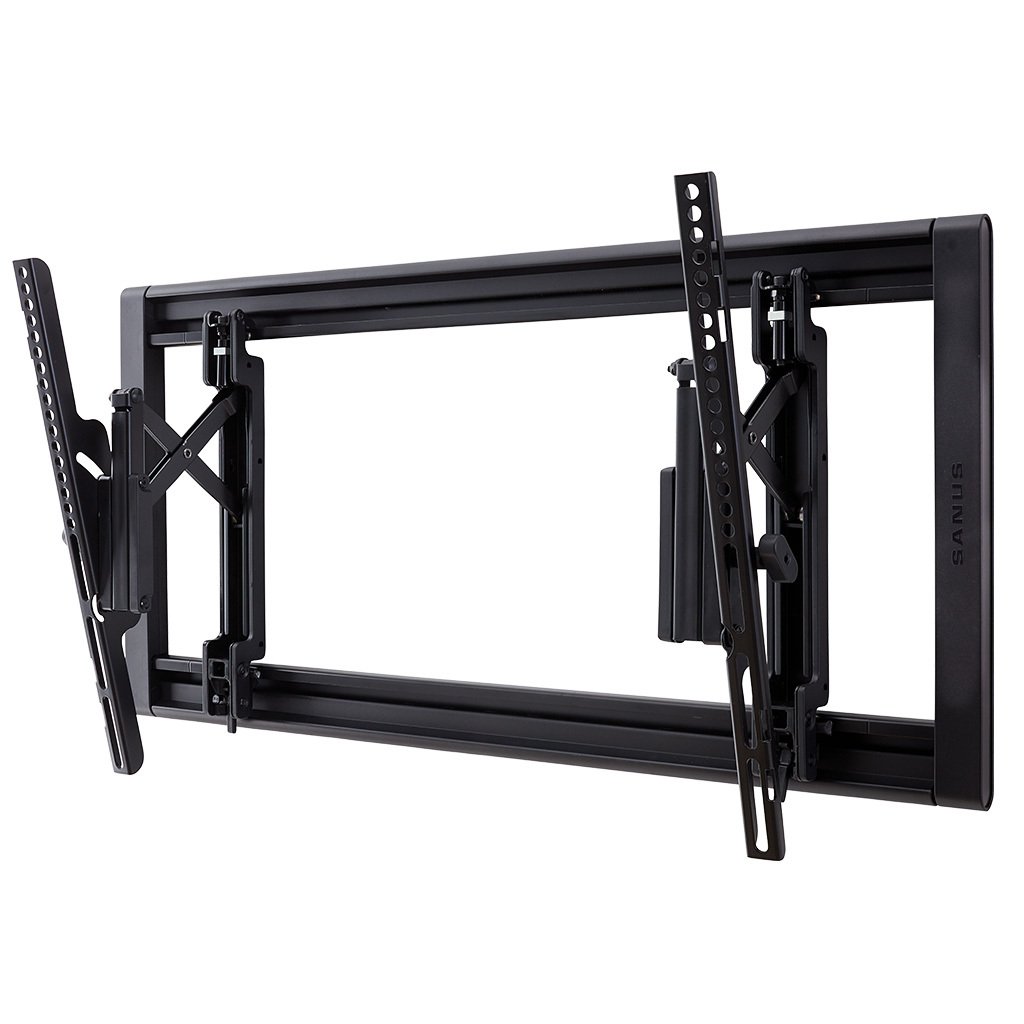

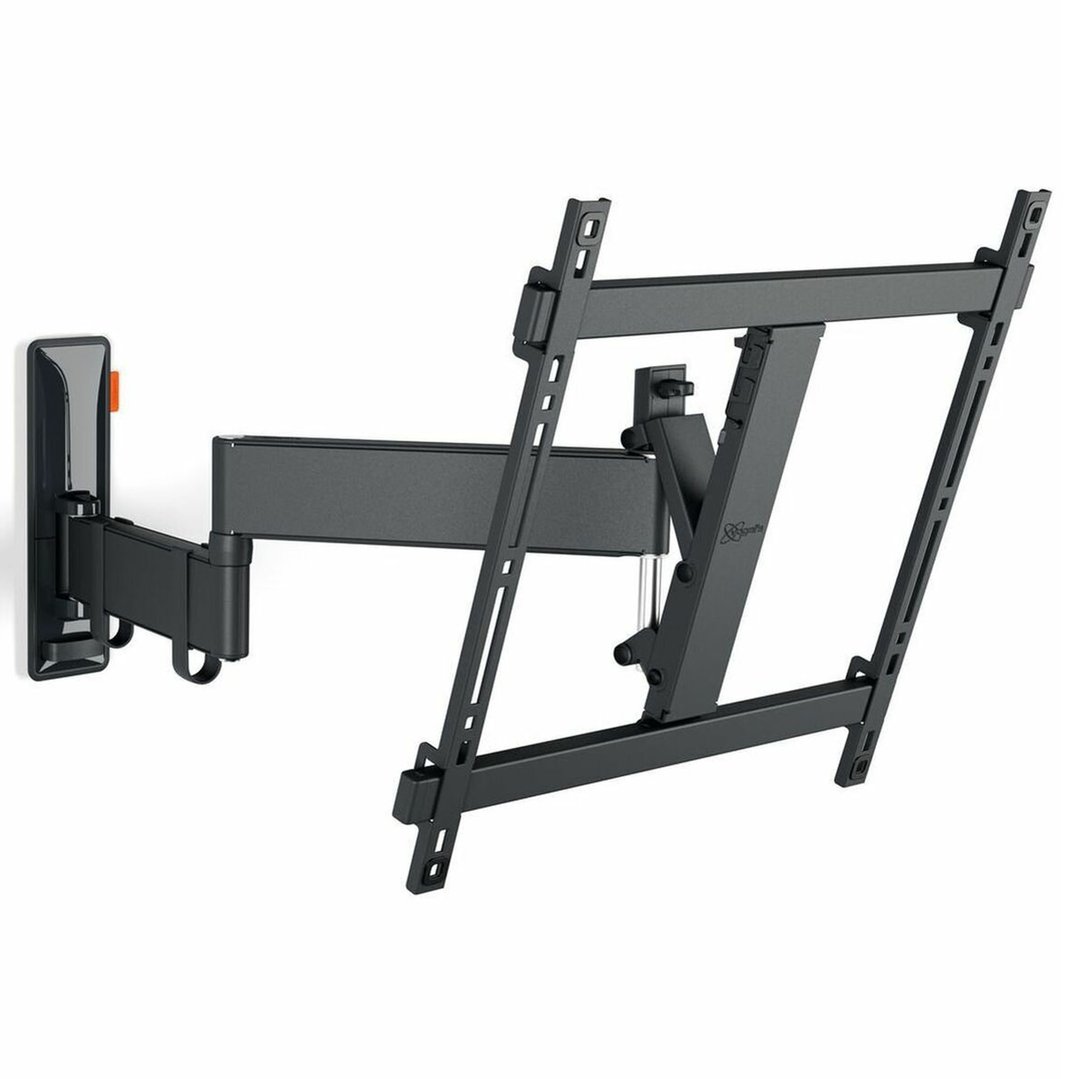
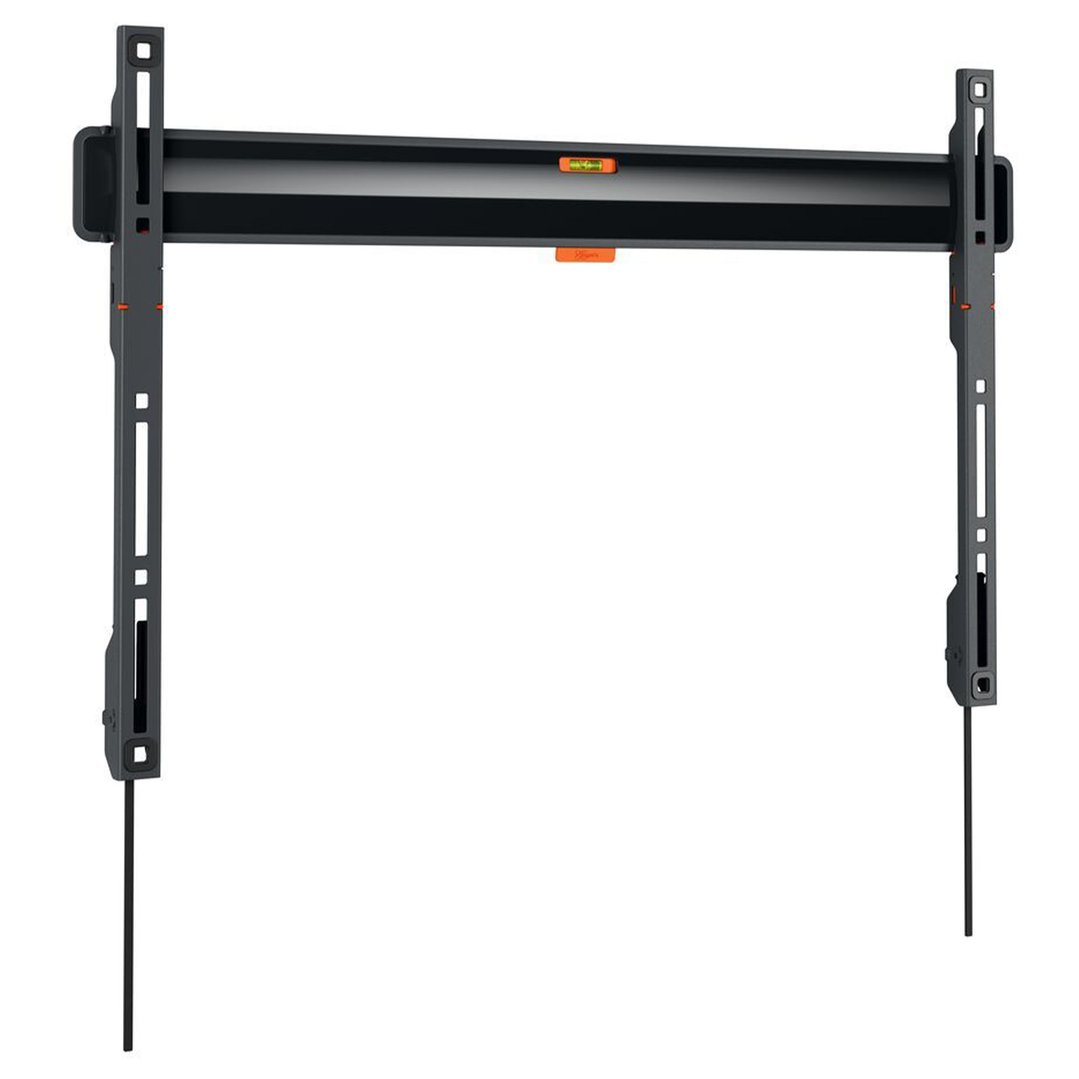

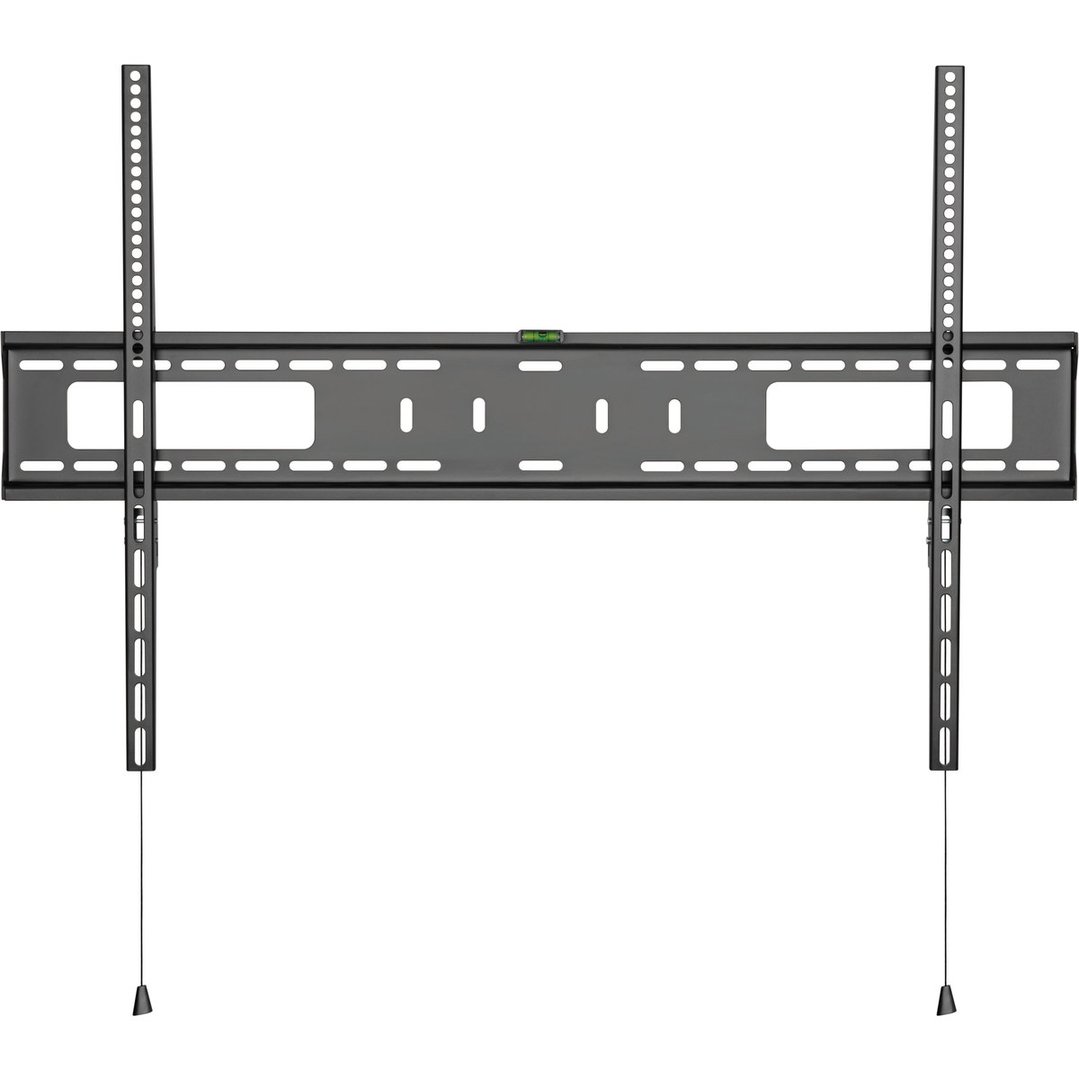
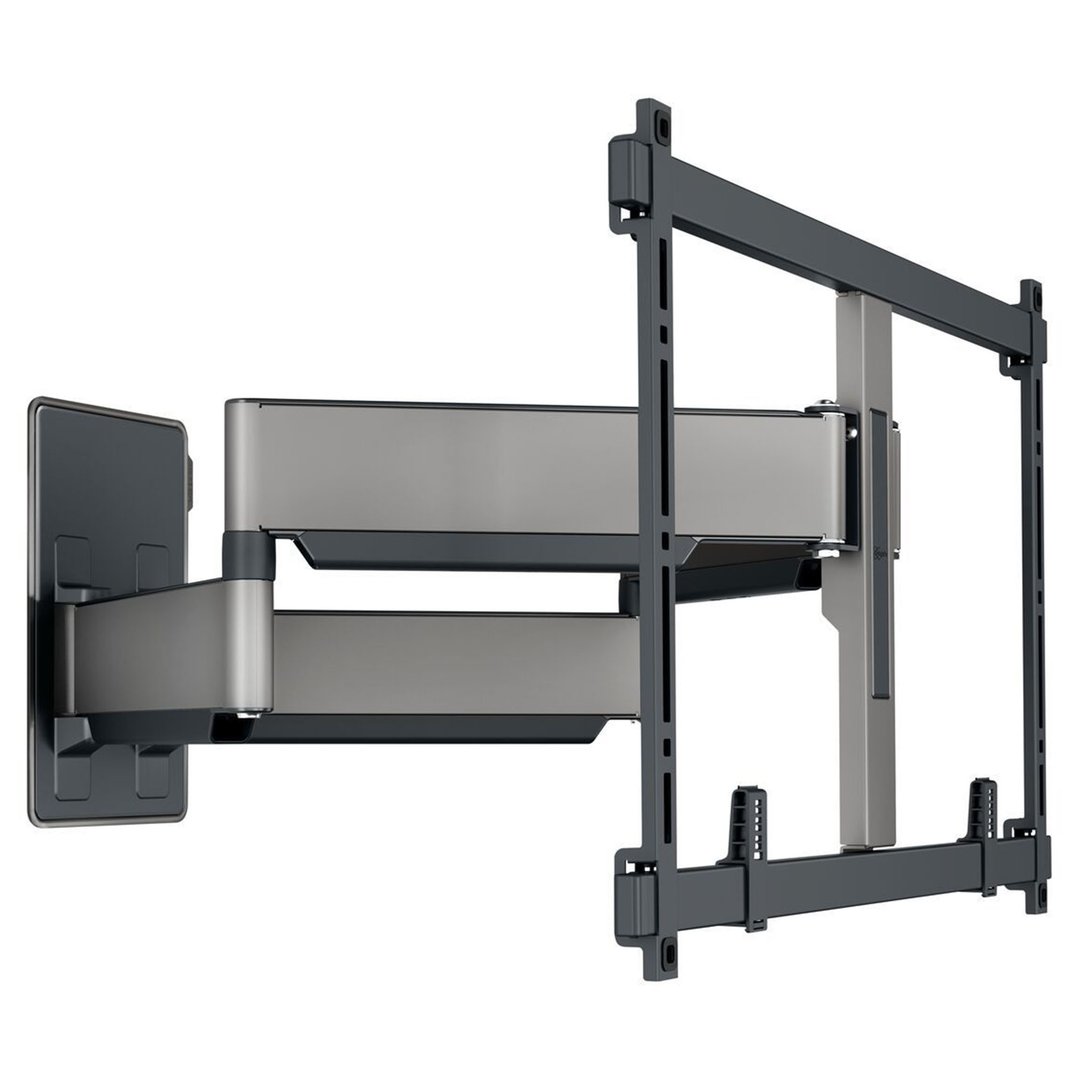
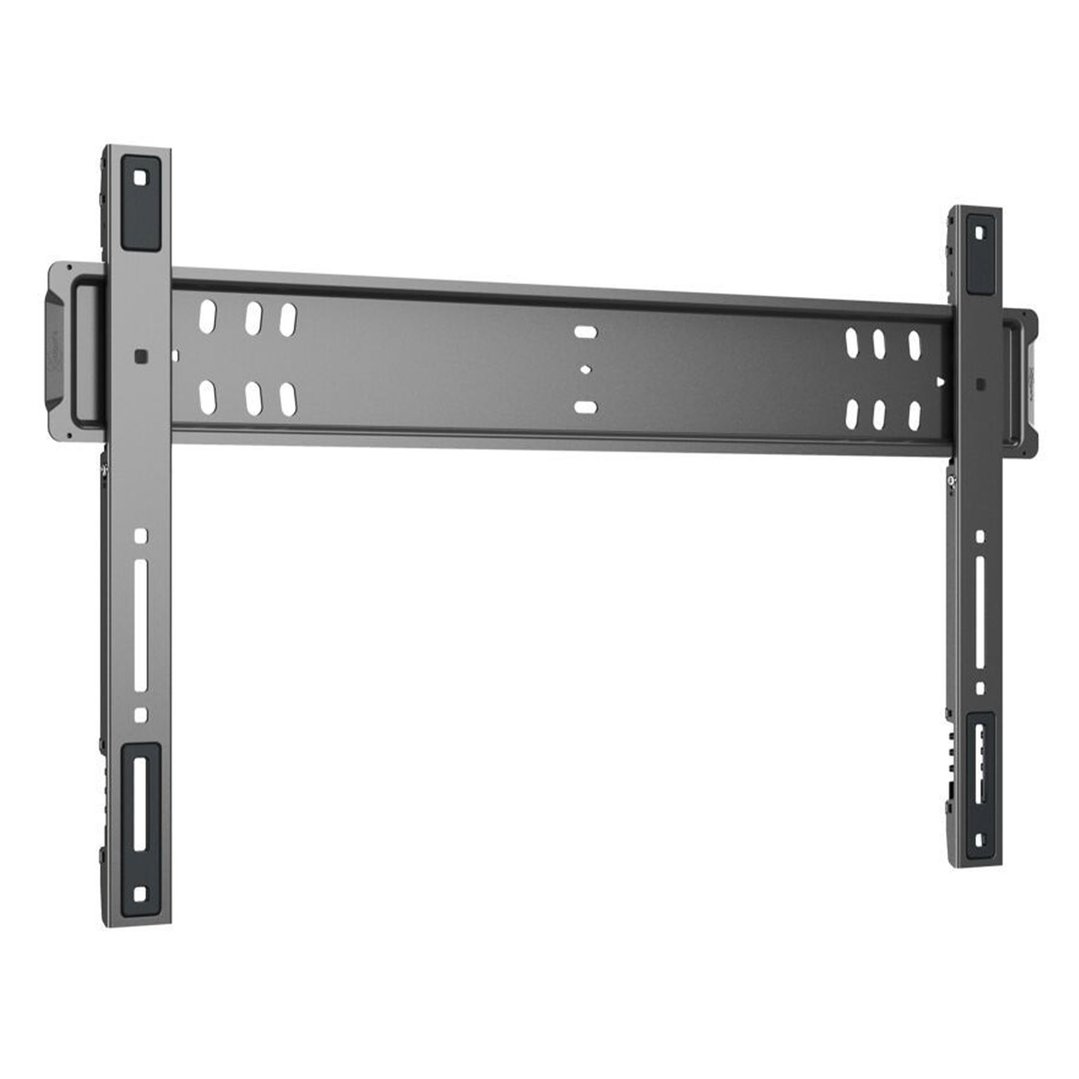
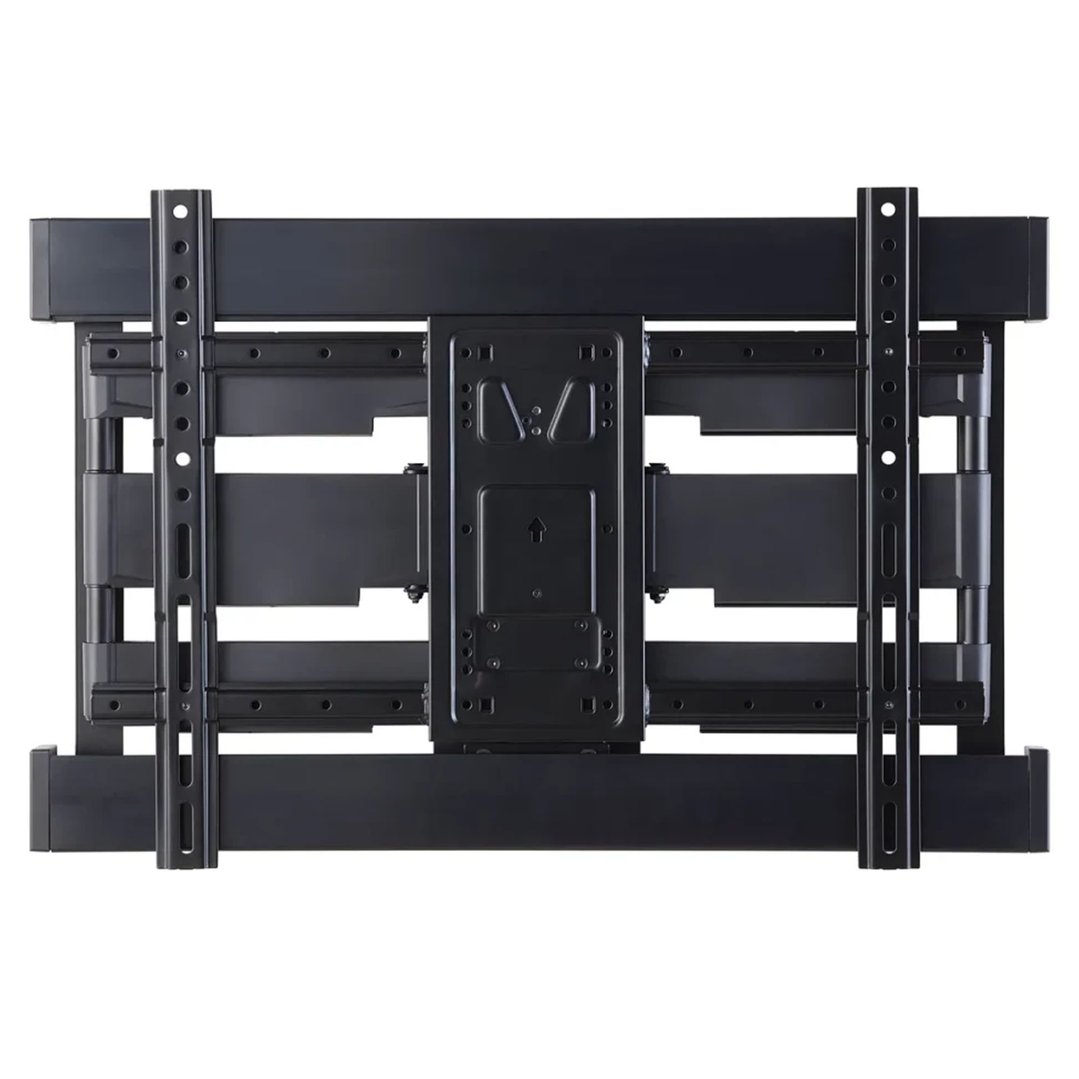
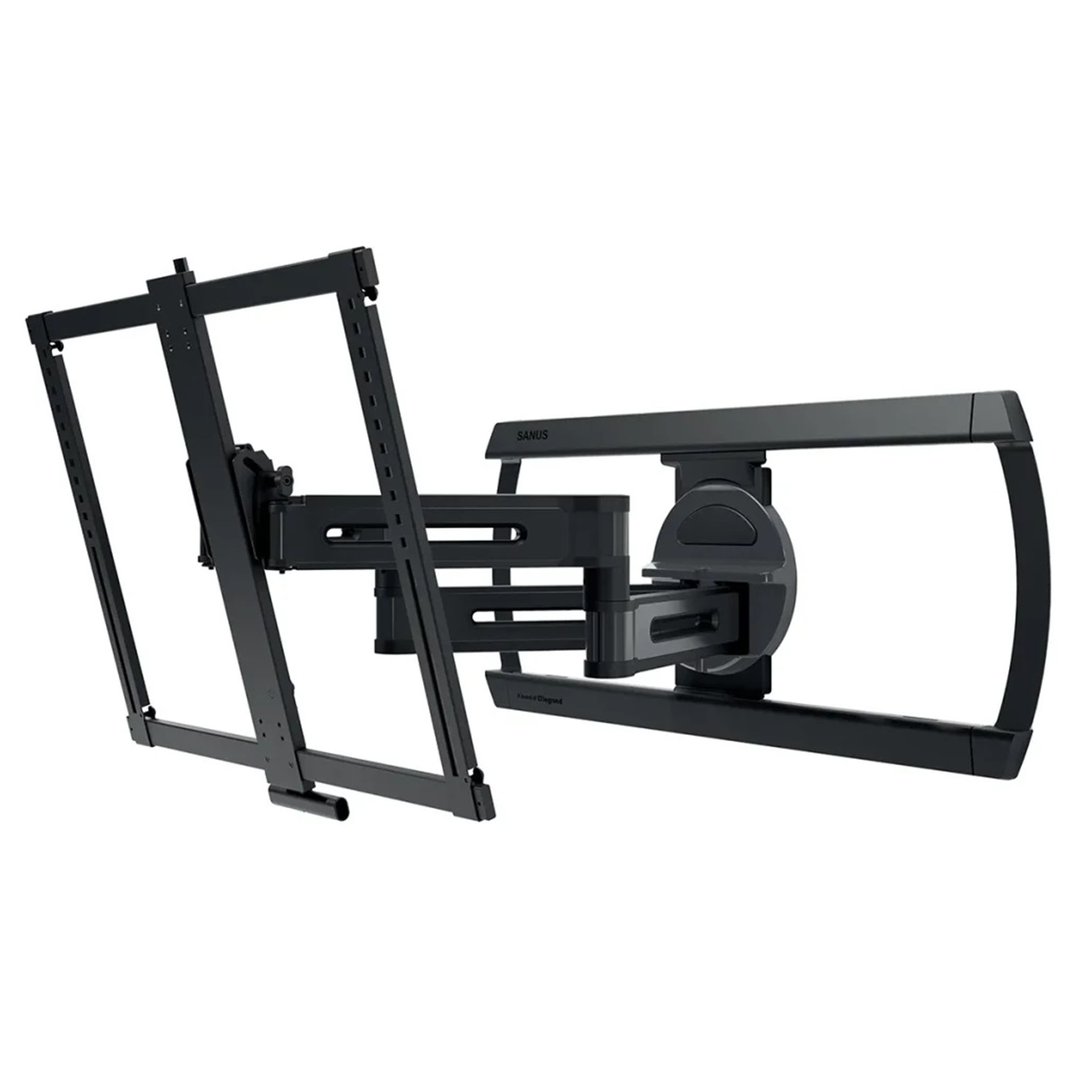
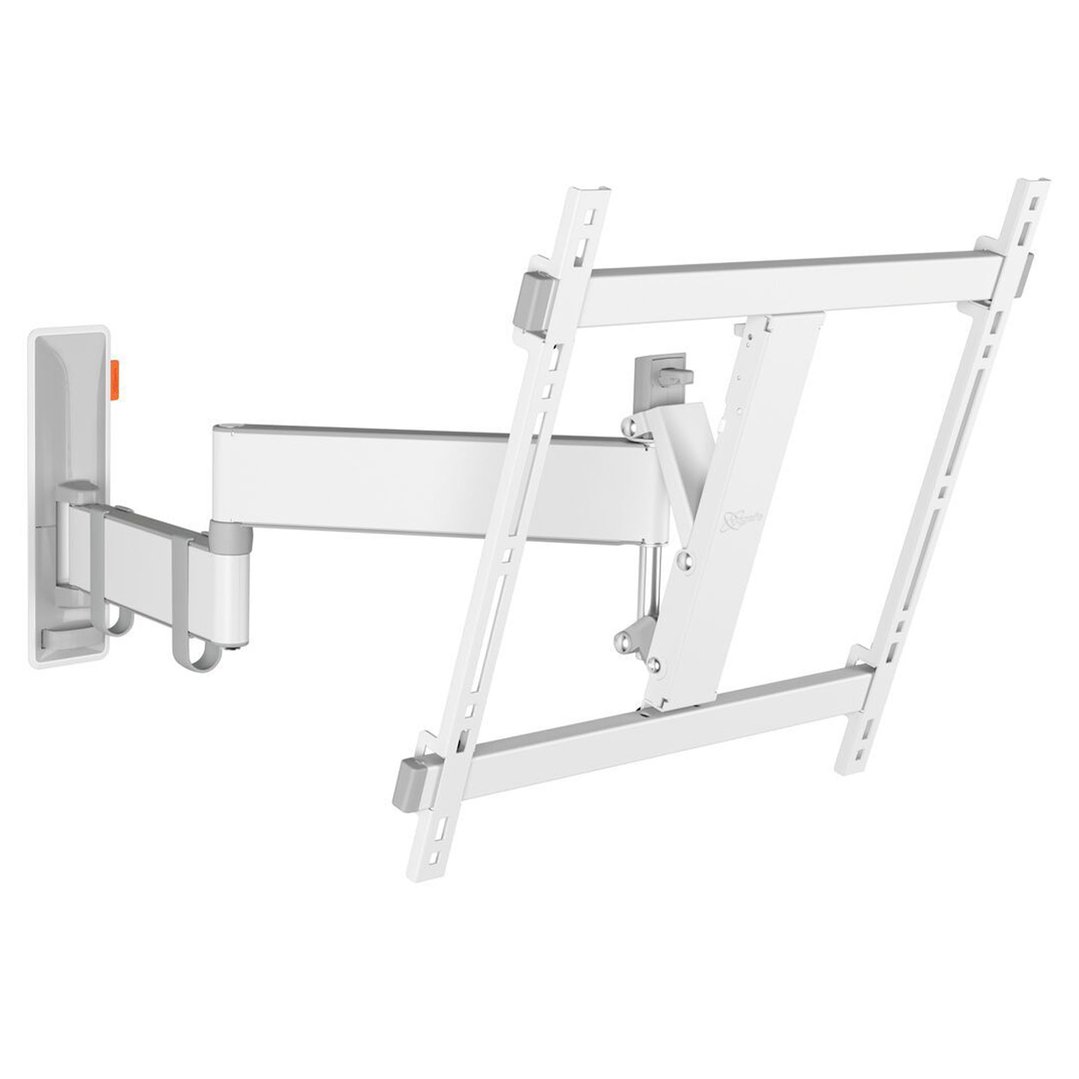
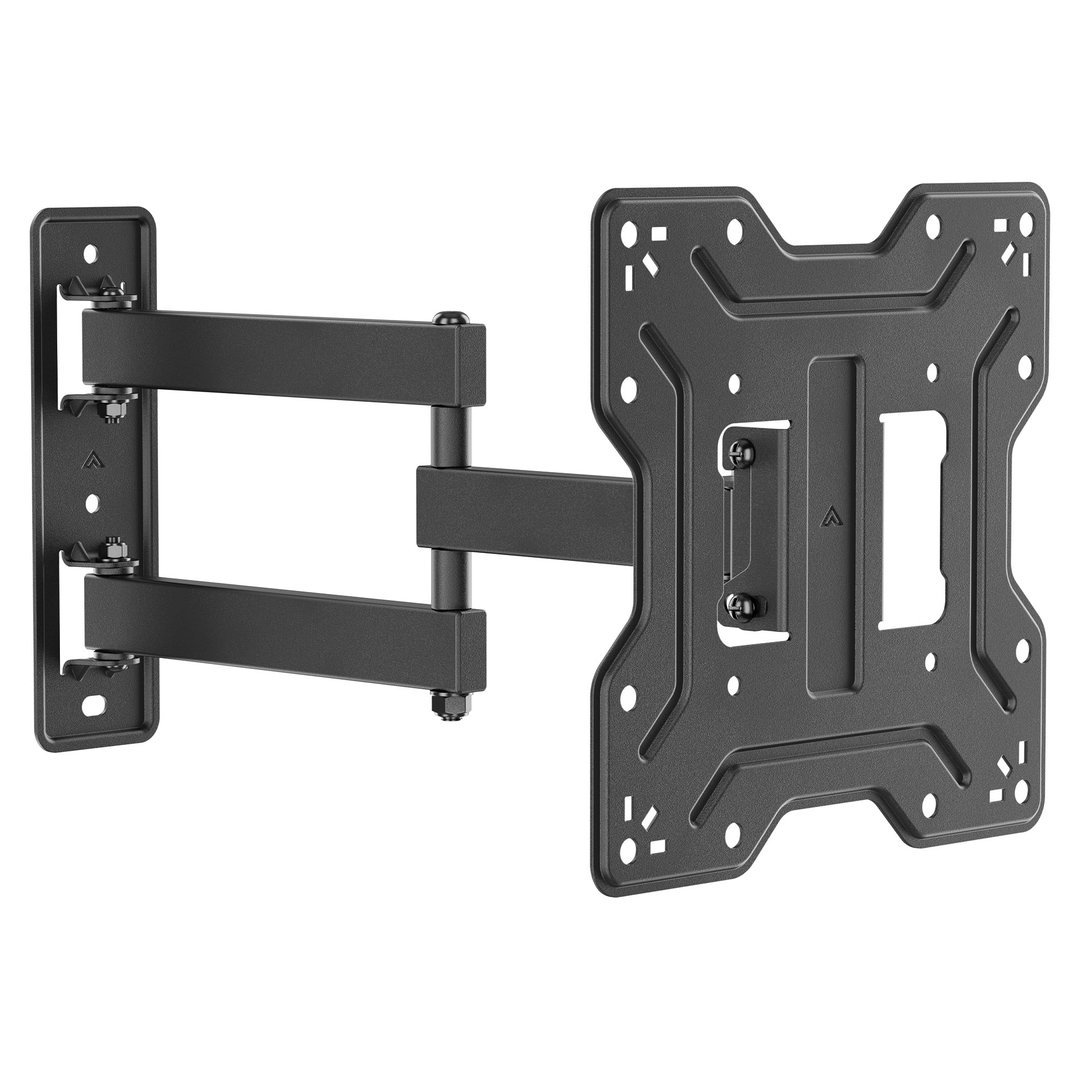
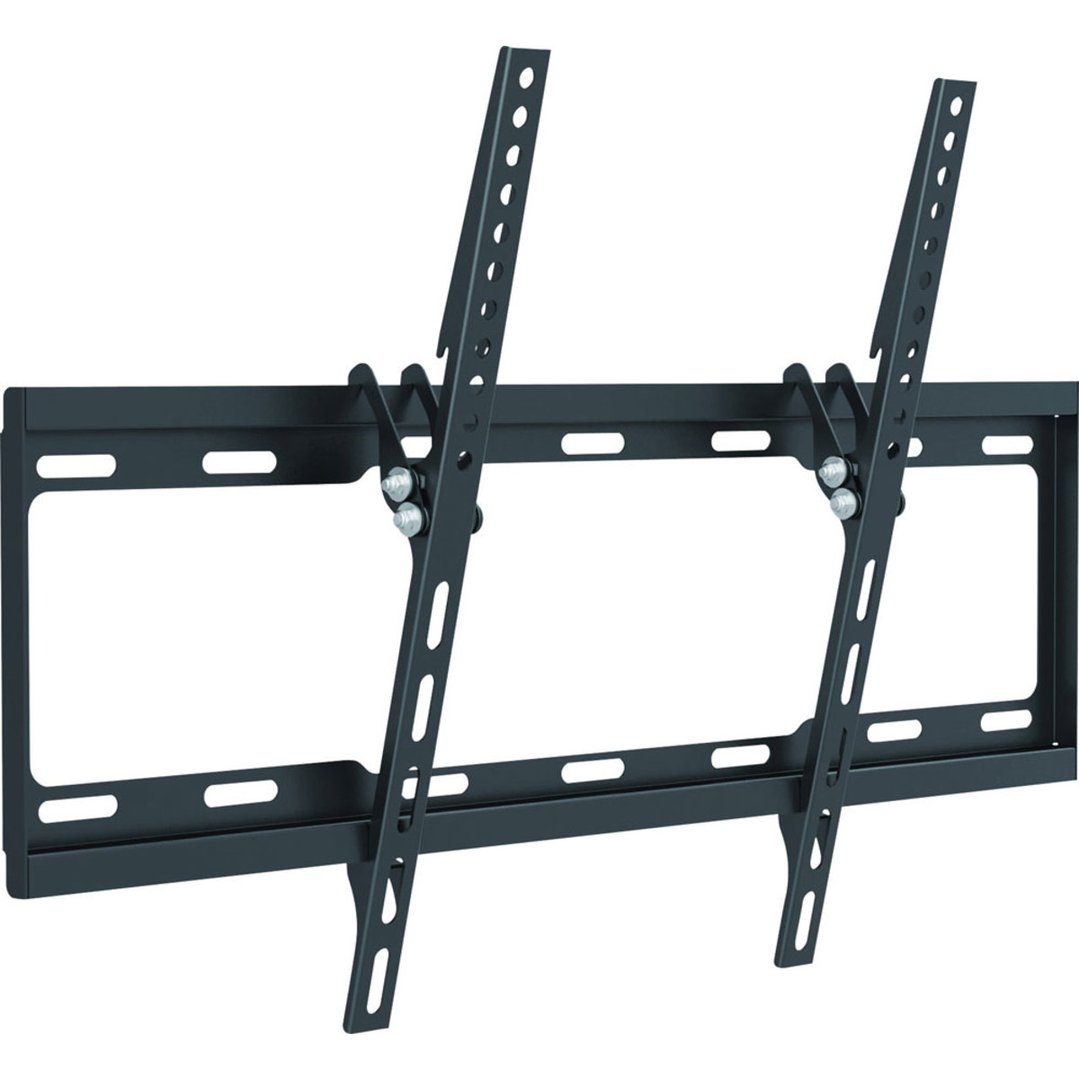
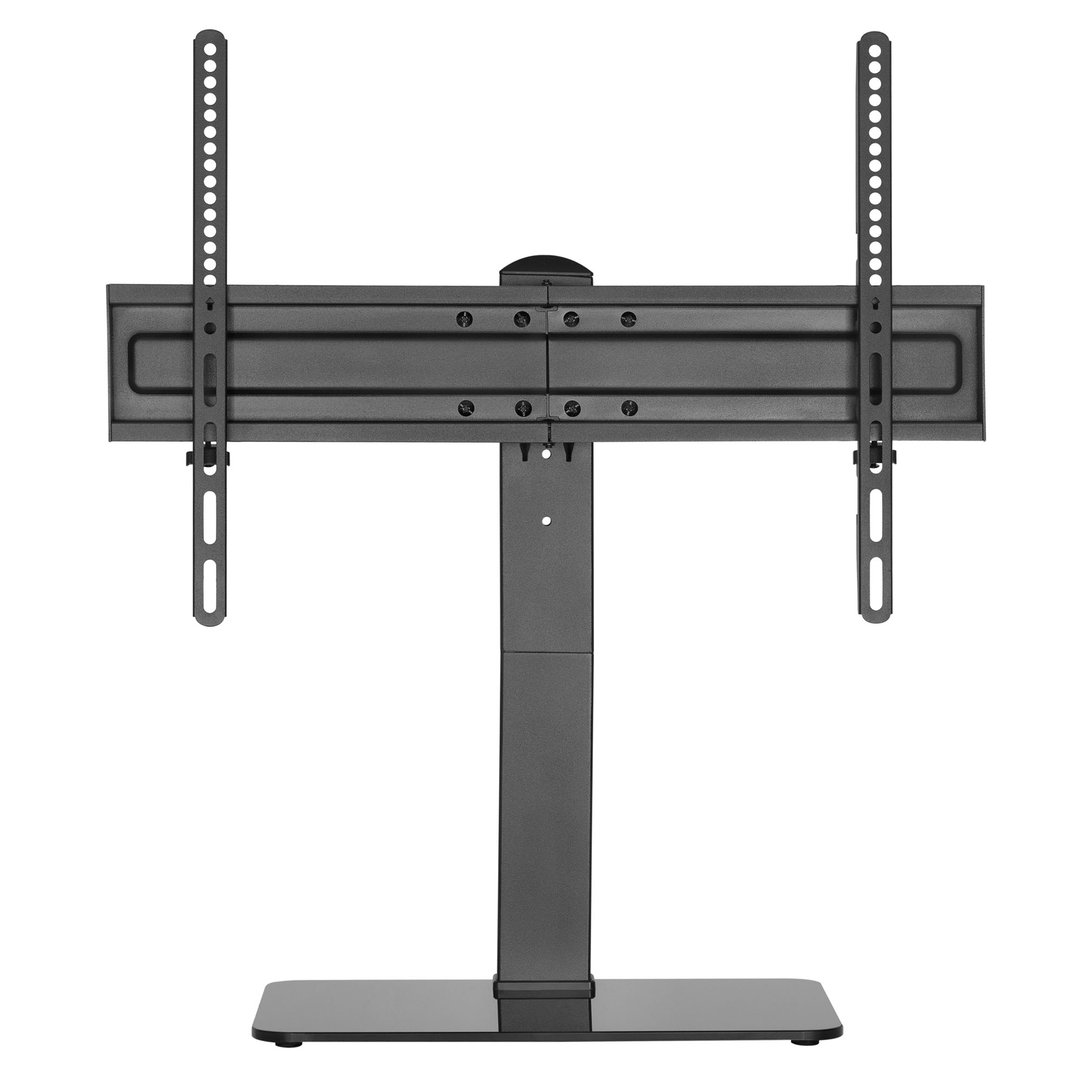
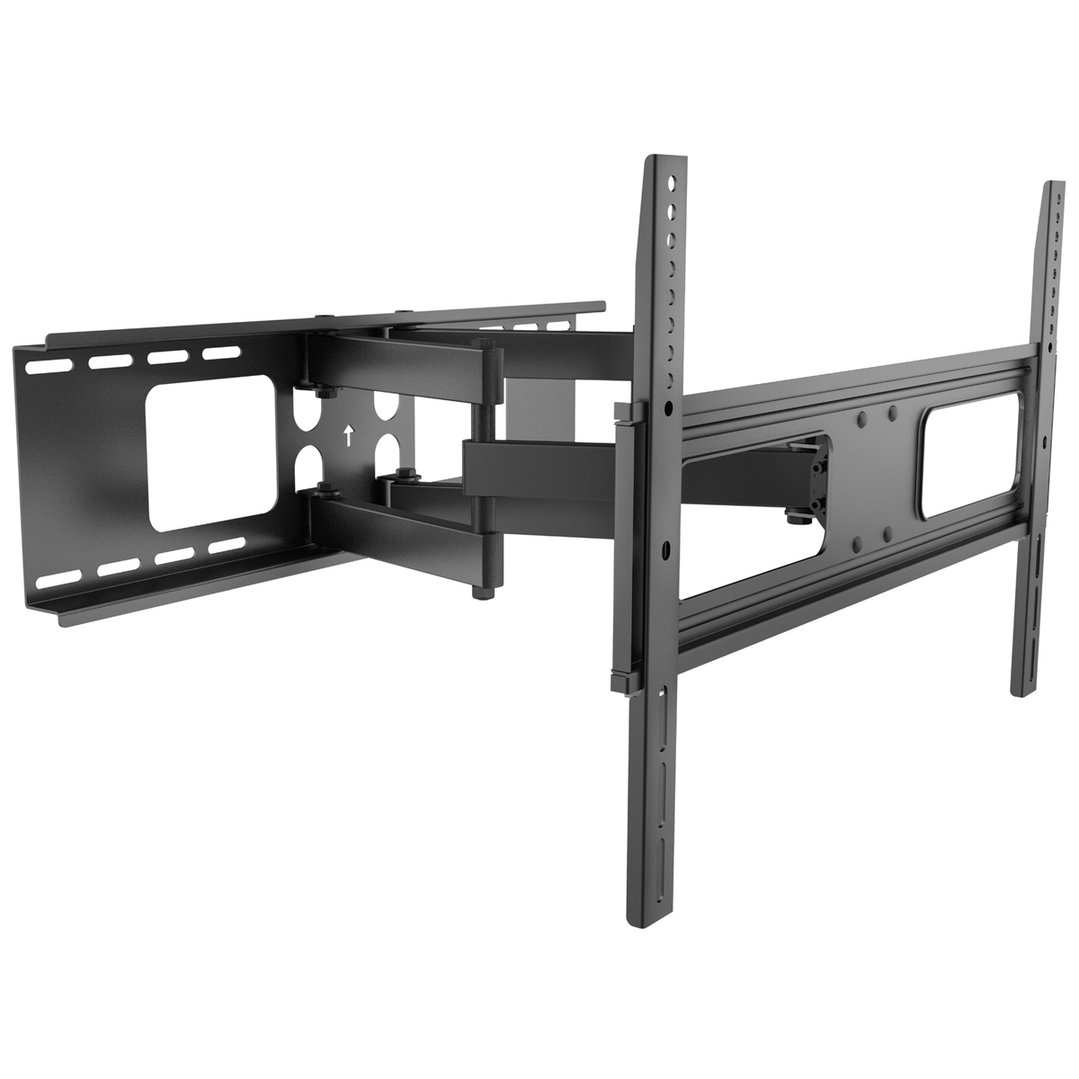



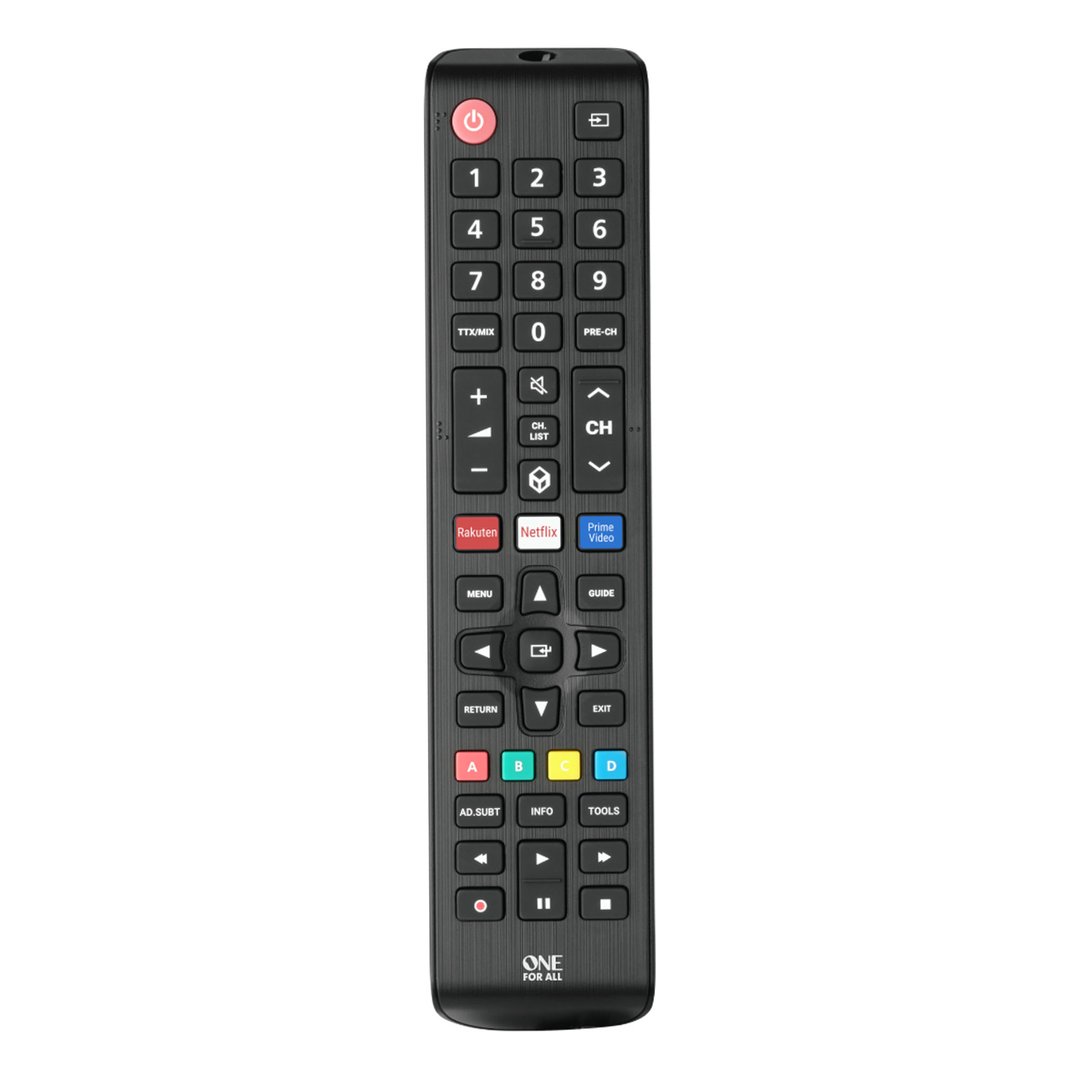
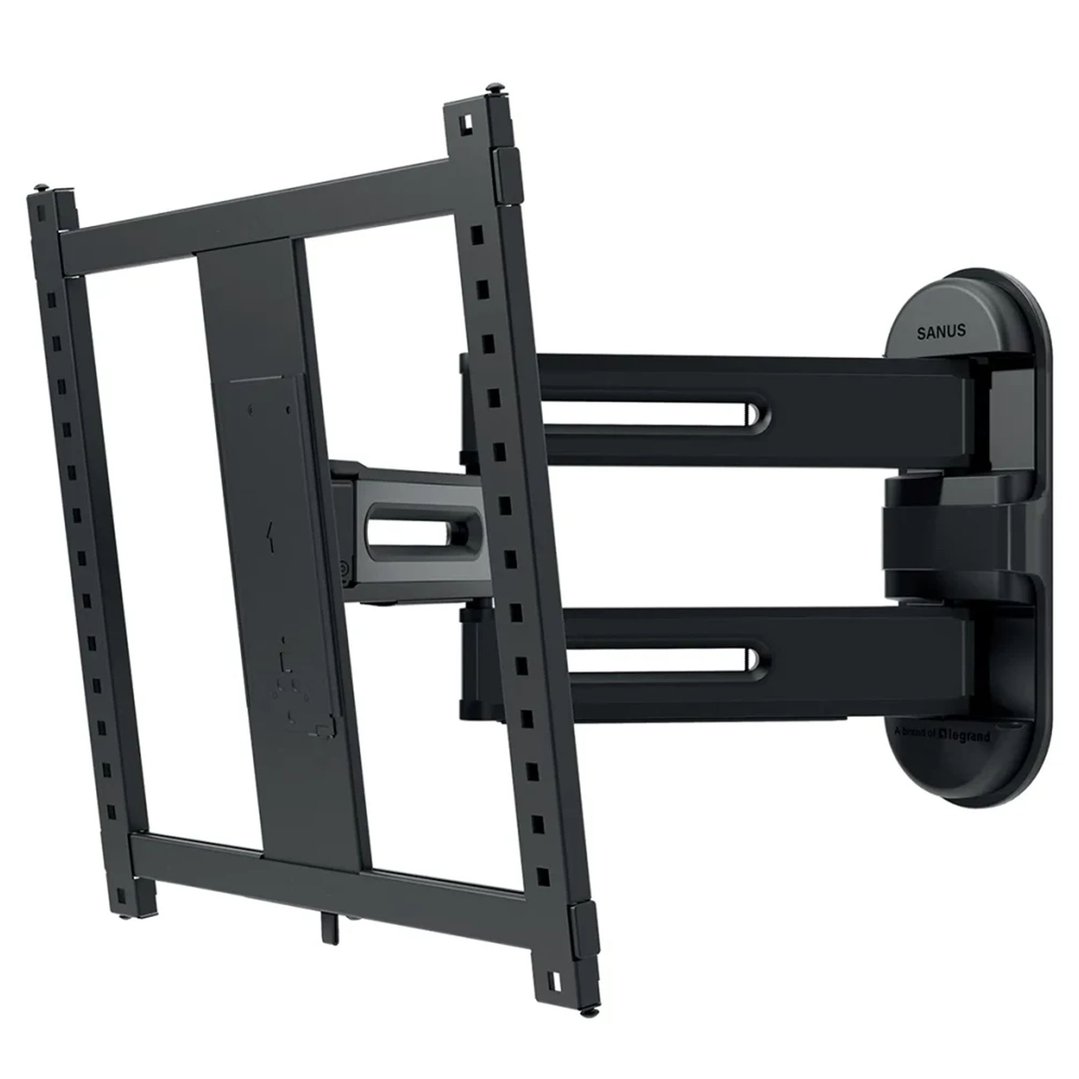
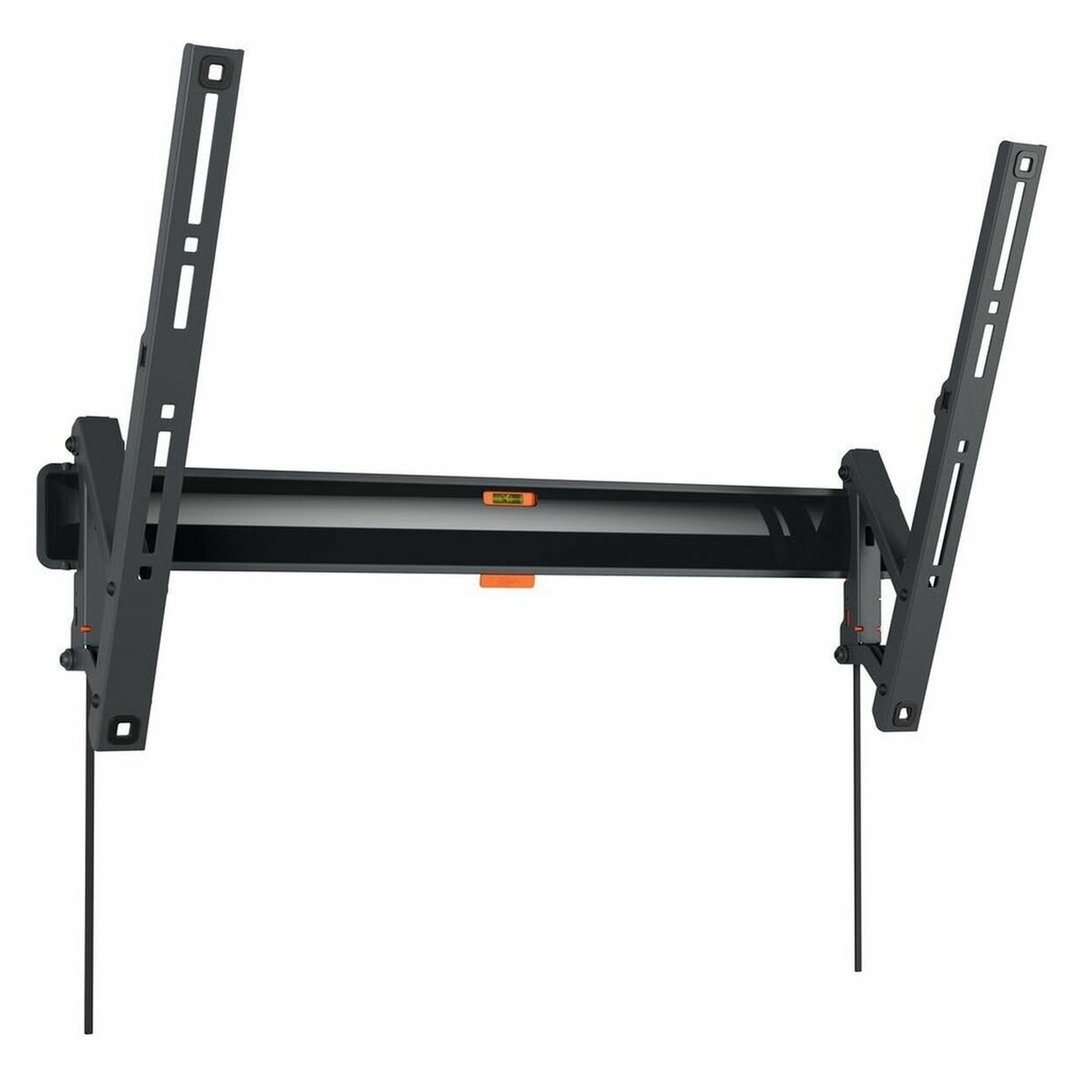

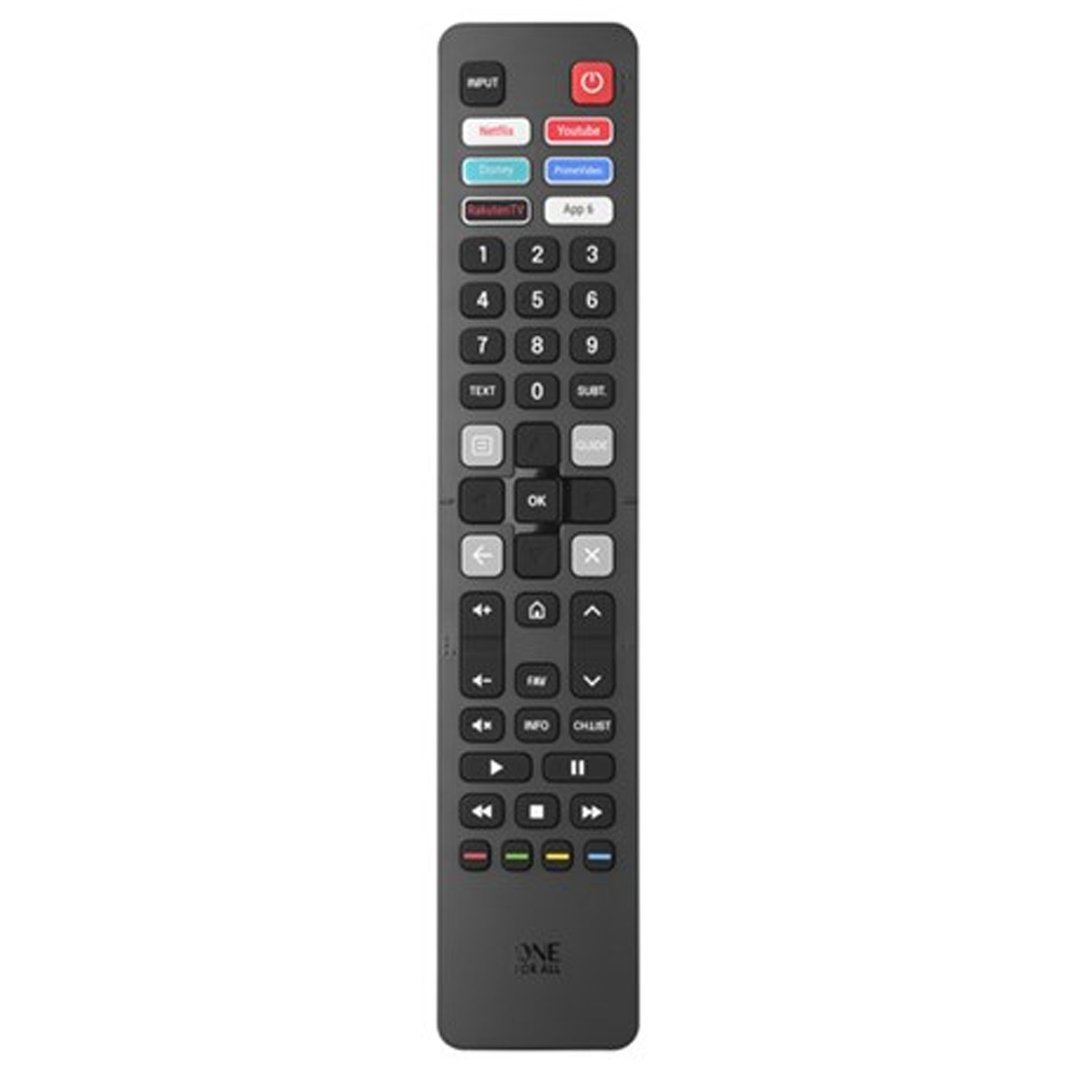
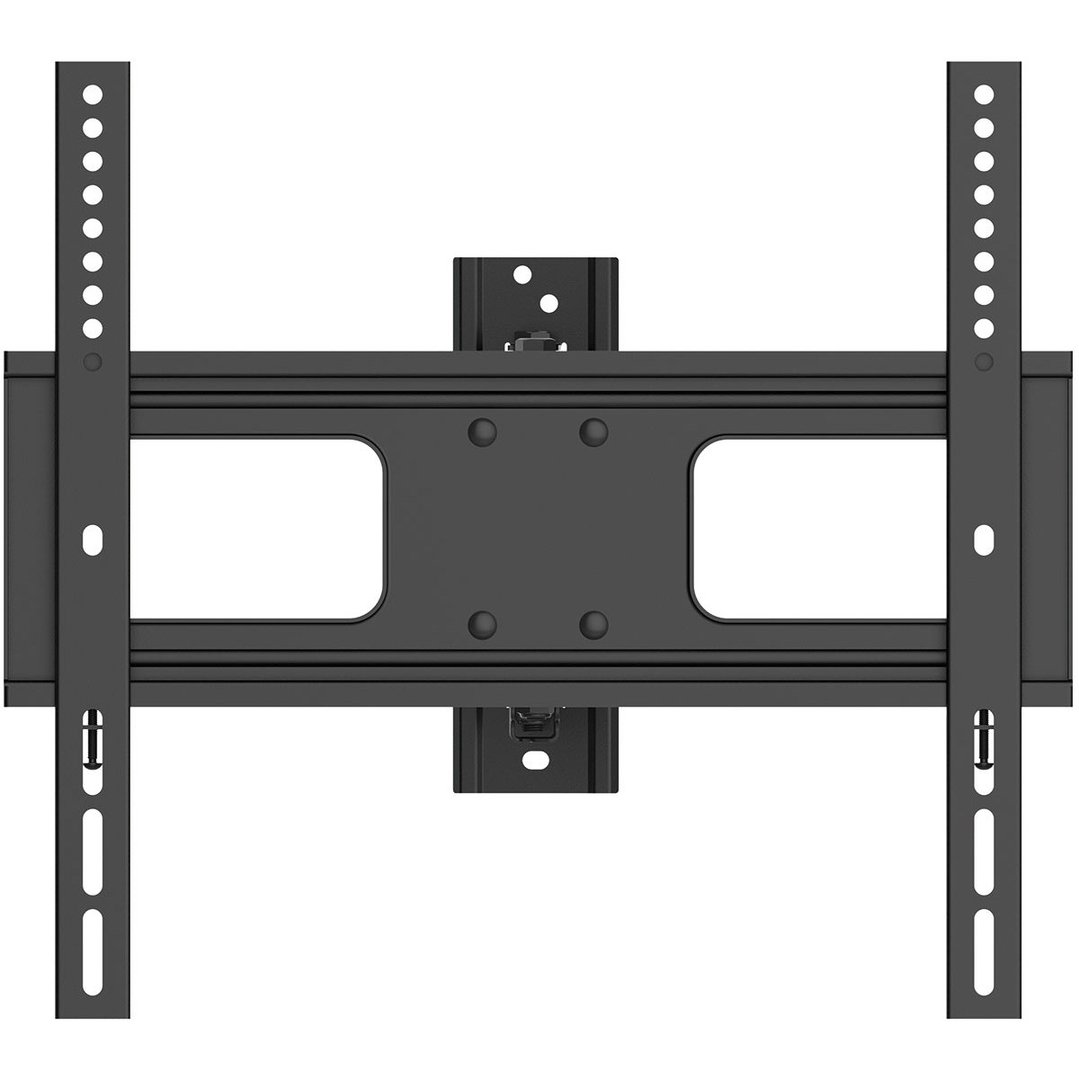
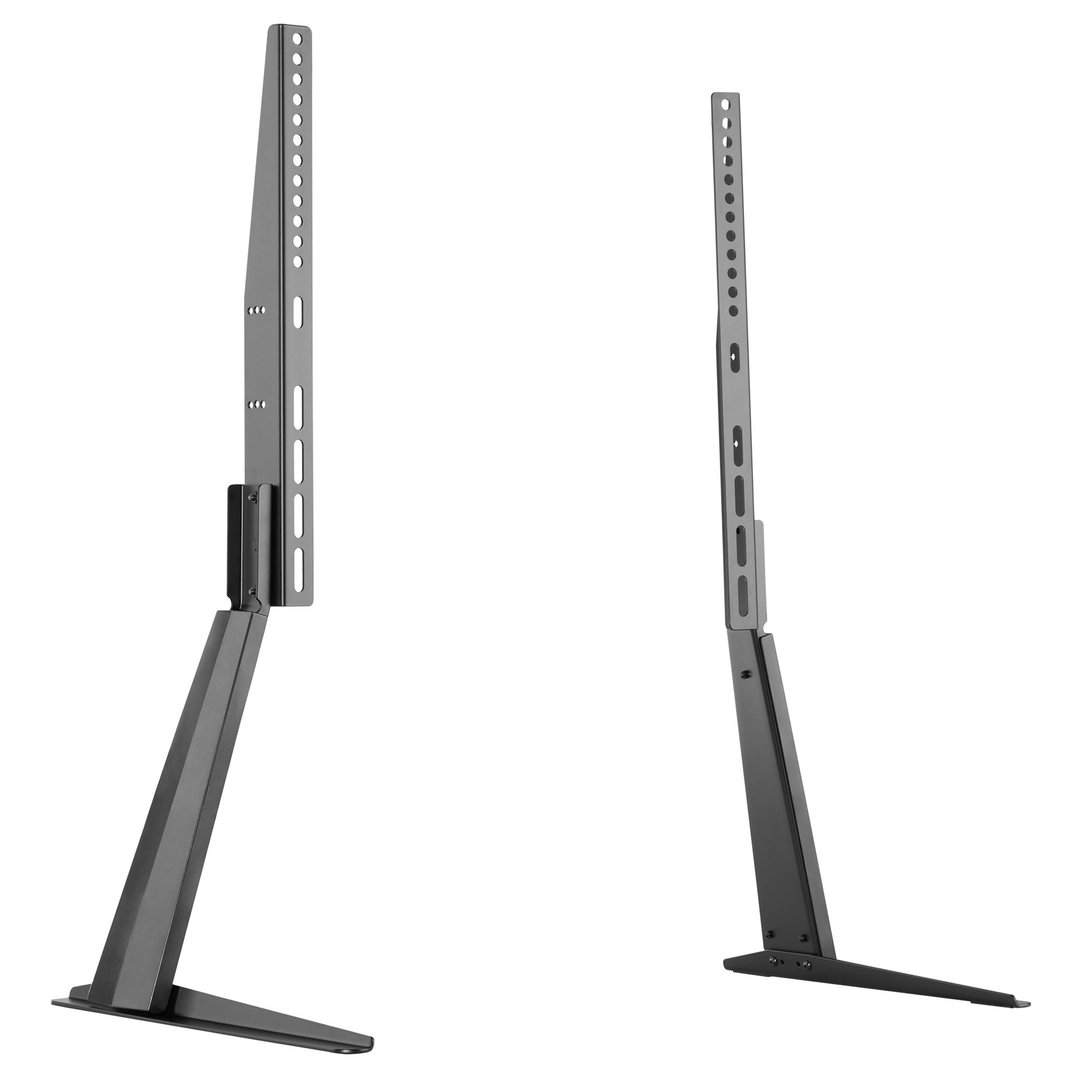

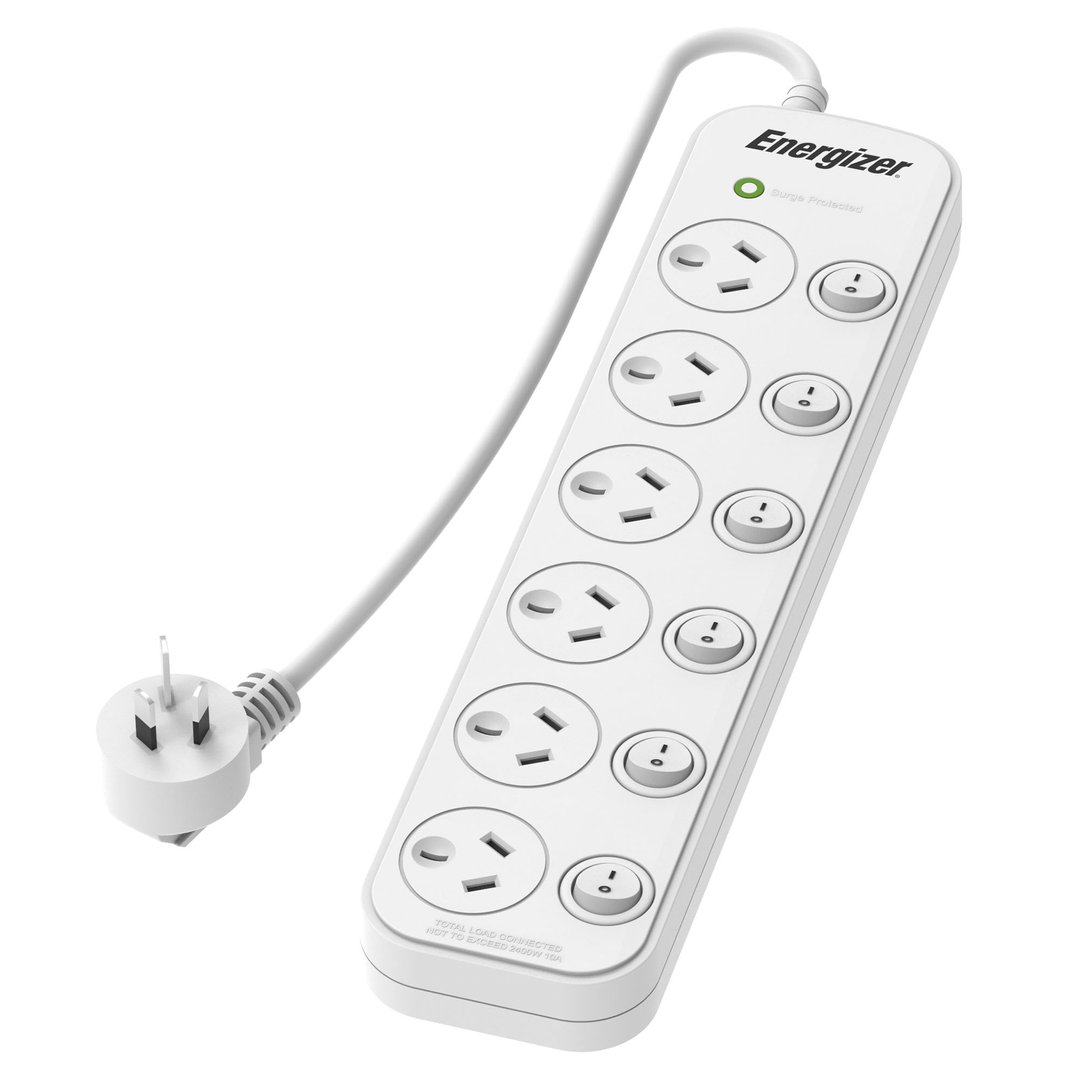

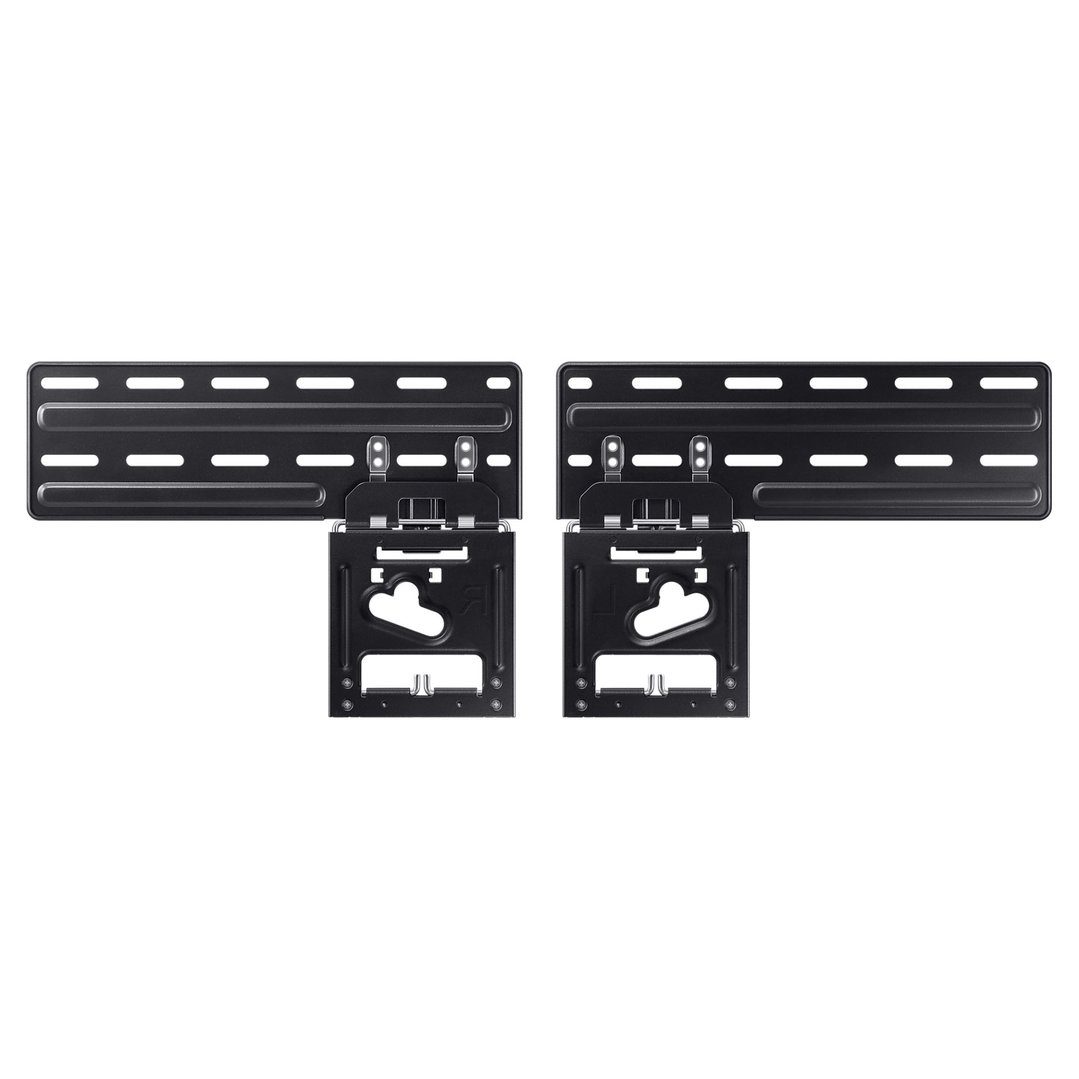
Complete your home entertainment setup with our extensive range of accessories. Once you've chosen the perfect TV, the next step is finding the right way to display it and the best cables to connect it. From sleek wall brackets that save space to stylish furniture that hides the clutter, we have everything you need to create a clean, professional look in your lounge room.
FAQs
1. What is the difference between a fixed, tilt, and full-motion TV wall mount?
Choosing the right tv wall mount depends on your room layout. A fixed mount sits flush against the wall for a sleek look but offers no movement. A tilt mount allows you to angle the screen downwards, which is perfect if you are mounting the TV higher up, like above a fireplace, to reduce glare. A full-motion mount offers maximum flexibility, allowing you to pull the TV out and swivel it to face different parts of the room, making it ideal for open-plan living areas.
2. Should I choose a TV stand or an entertainment unit?
While the terms are often used interchangeably, there is a slight difference. A tv stand is typically a simpler, freestanding structure designed primarily to support the television itself. An entertainment unit (or tv unit) is usually a larger piece of furniture that offers dedicated storage for consoles, media players, and unsightly cables. If you have a lot of devices to hide, a tv cabinet or larger unit is the better choice for keeping your living space tidy.
3. Does the quality of my HDMI cable matter for 4K viewing?
Yes, it does. Not all cables are built the same. To watch 4K content with HDR (High Dynamic Range), you need a "Premium High Speed" hdmi cable capable of handling the data bandwidth. If you are a gamer with a PS5 or Xbox Series X, or have an 8K TV, you should look for an "Ultra High Speed" cable (HDMI 2.1) to support features like 4K at 120Hz. Using an old cable on a new TV can result in flickering images or being stuck with lower-quality resolution.
4. Why is my TV signal breaking up?
Digital TV signal issues are often caused by poor-quality cabling rather than the antenna itself. A thin or damaged tv antenna cable can let in interference from 4G/5G mobile signals, causing your picture to pixelate or drop out completely. investing in a high-quality, quad-shielded tv antenna cable ensures a strong, stable connection between your wall socket and the television, giving you the best possible free-to-air reception.
5. How high should I mount my TV?
A common mistake is mounting the TV too high. For the most comfortable viewing experience, the centre of the screen should be roughly at eye level when you are seated on your couch. This is typically around 1.1 metres from the floor. If you must mount it higher due to furniture or room layout, we highly recommend using a tilting tv mount to angle the screen down towards you, preventing neck strain.