Computer Monitors

$377 you
pay $197Ends in
12 Days$1,399 you
pay $1,297Ends in
6 Days

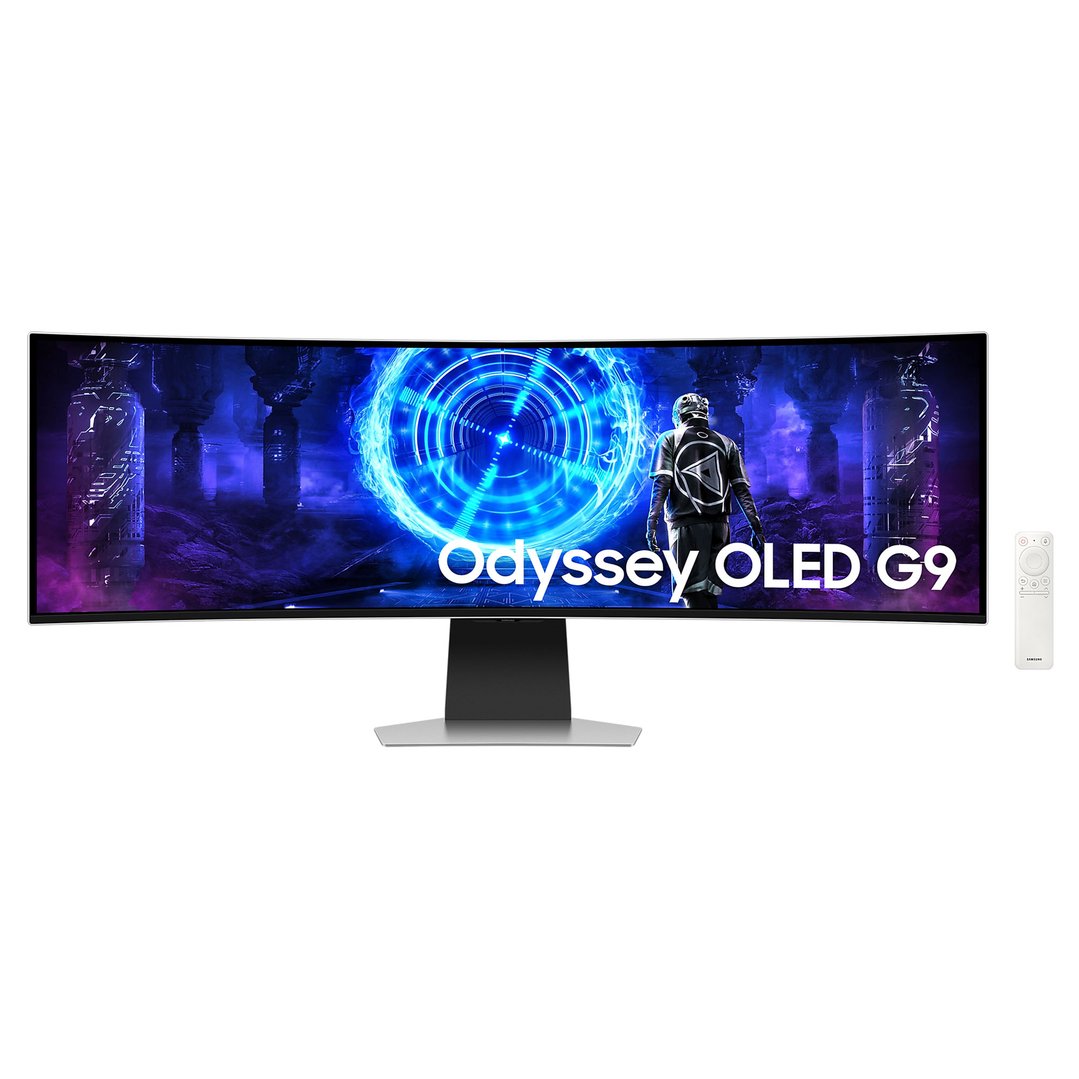

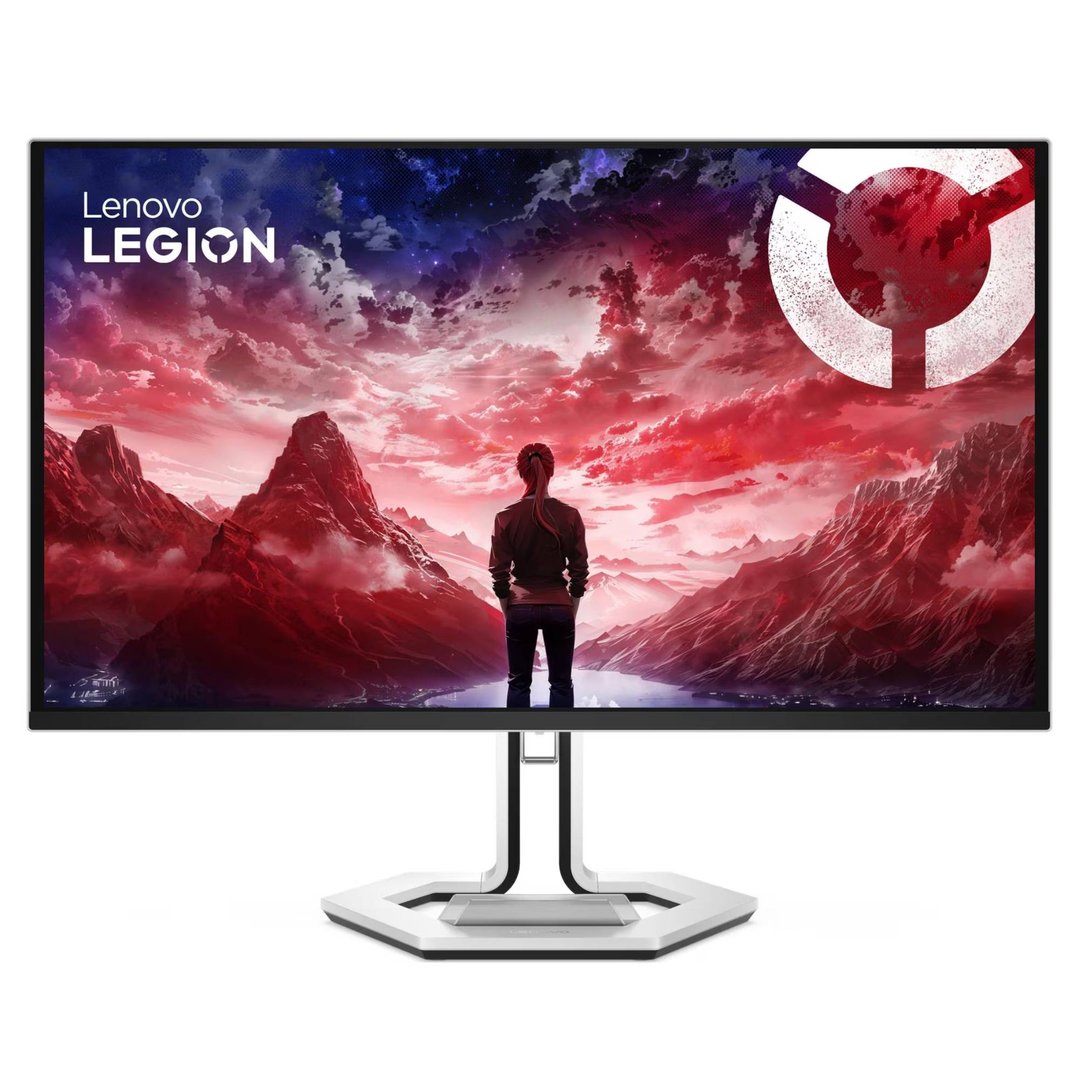
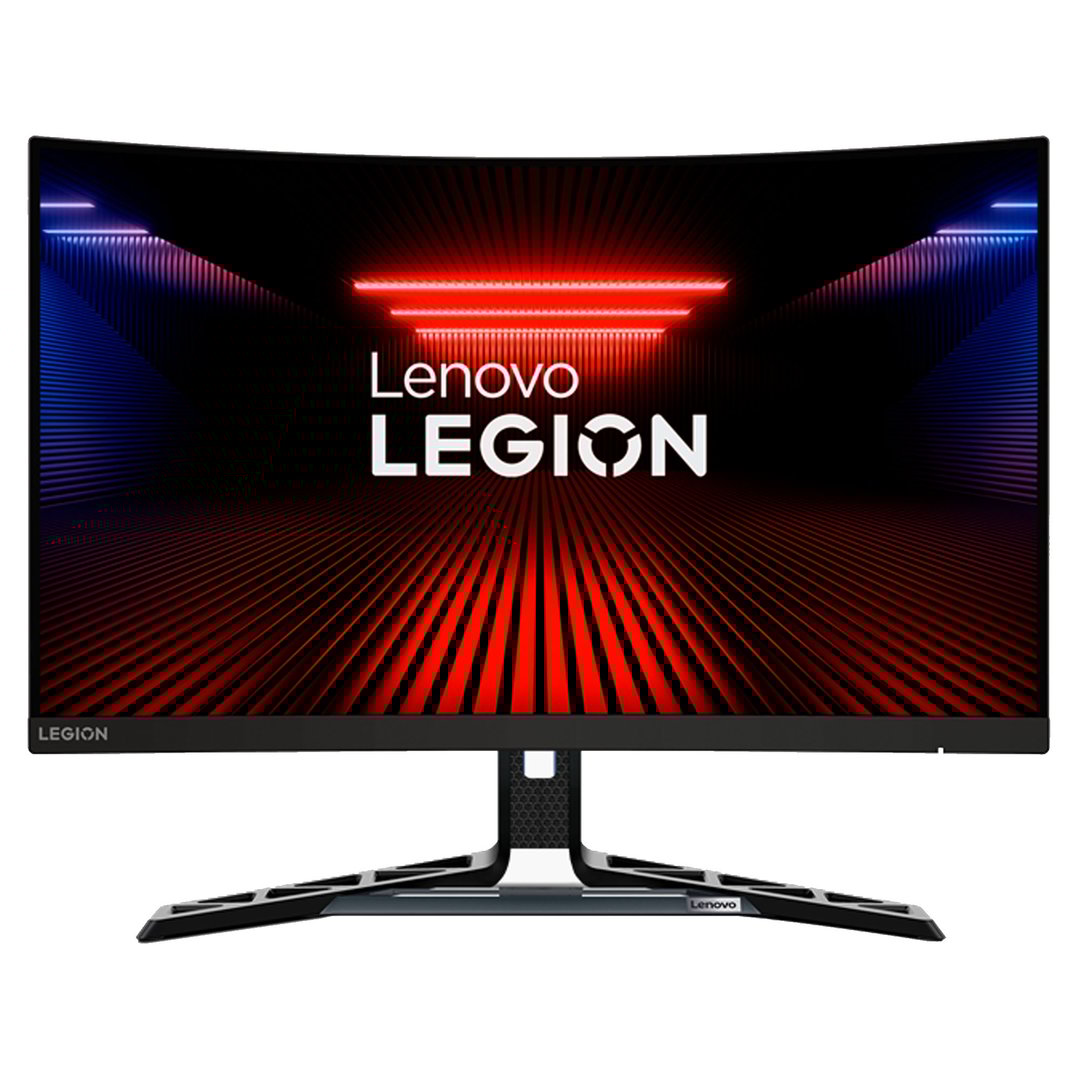
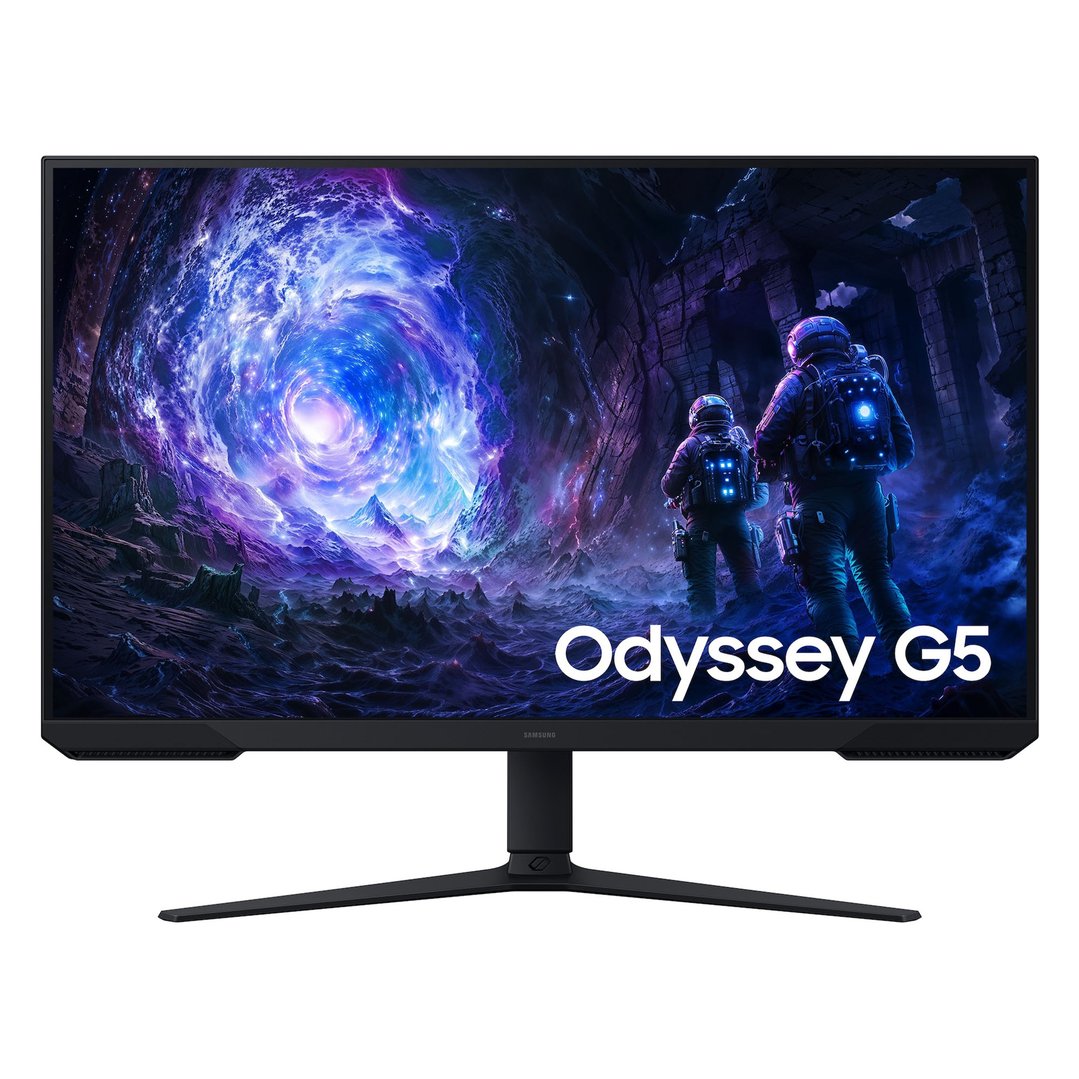
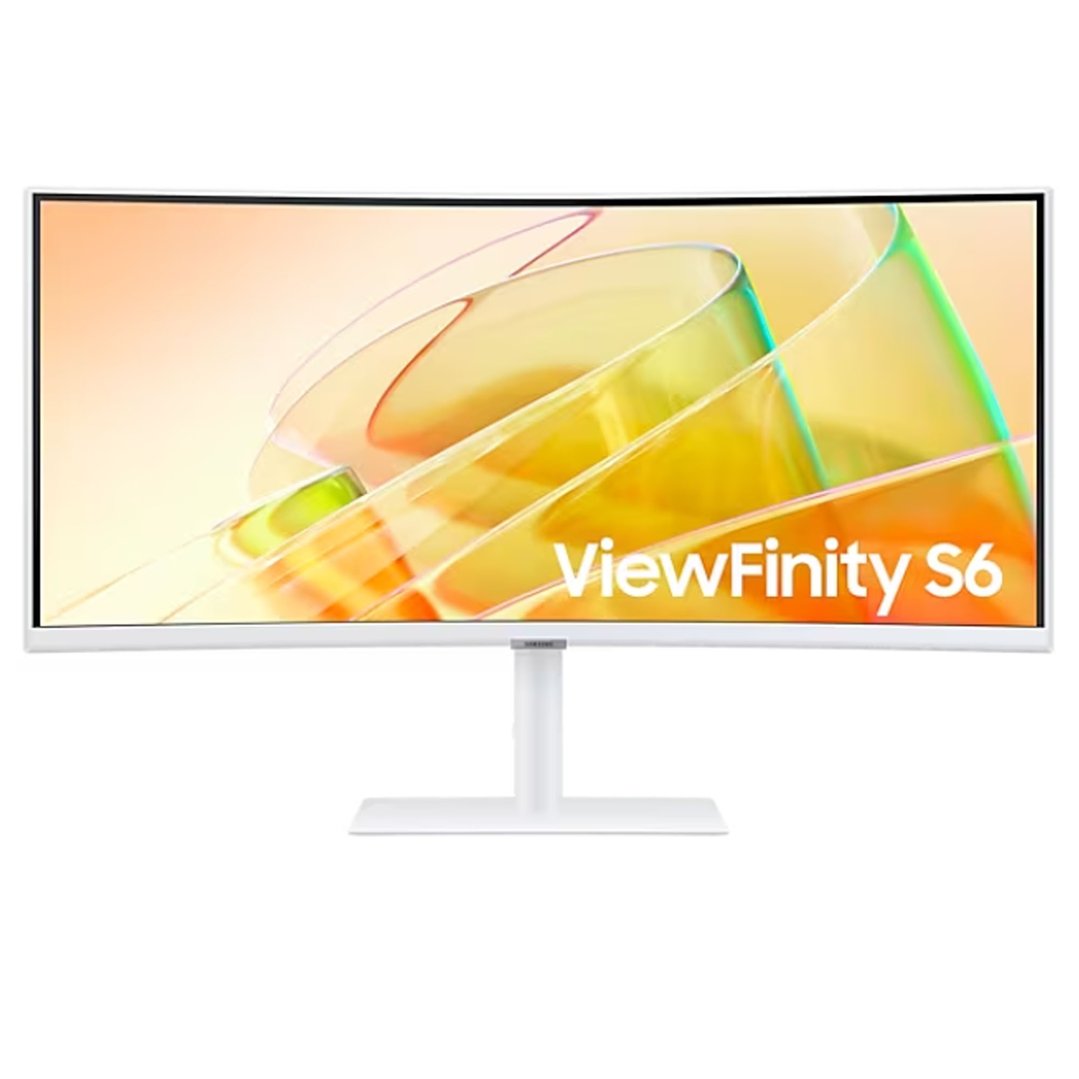


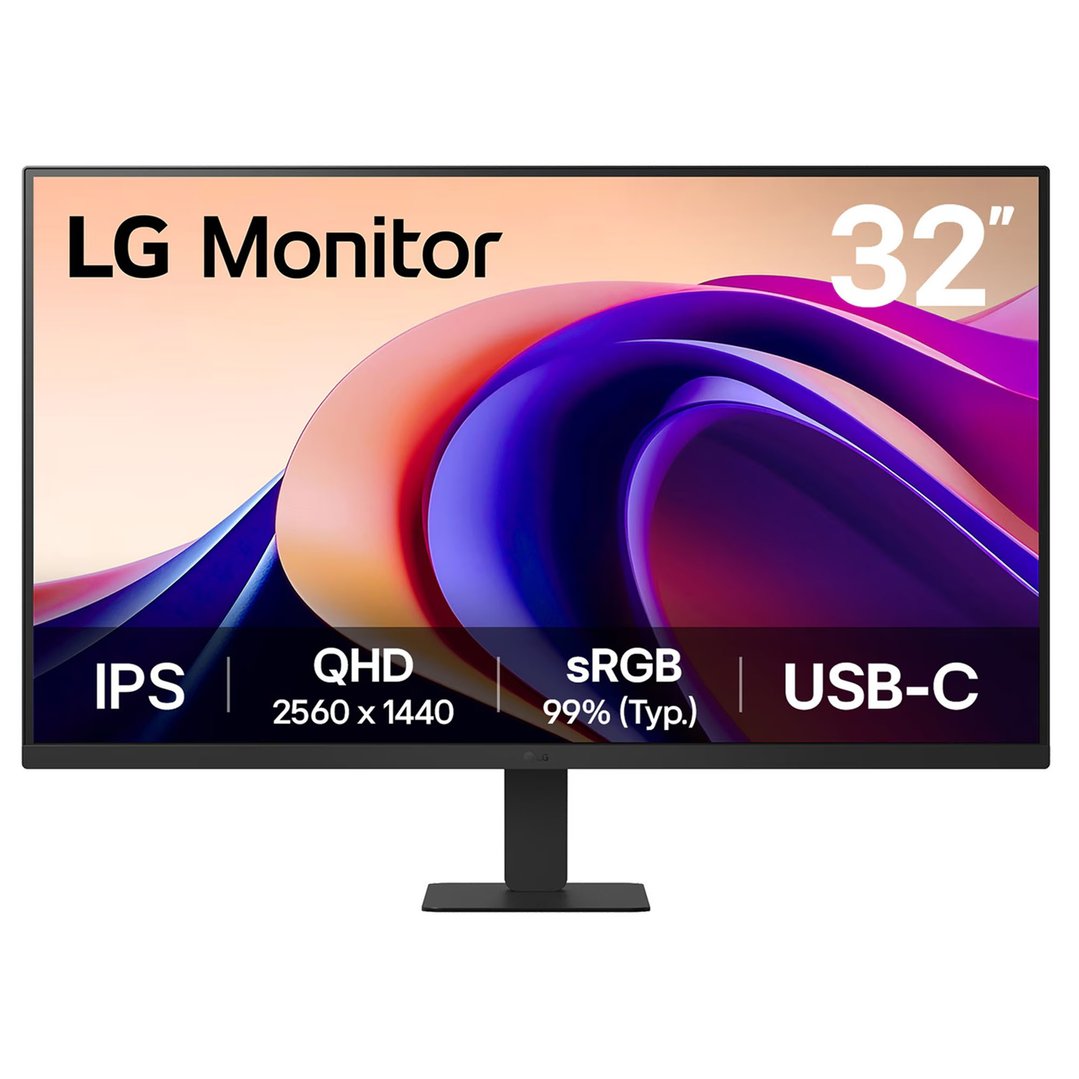
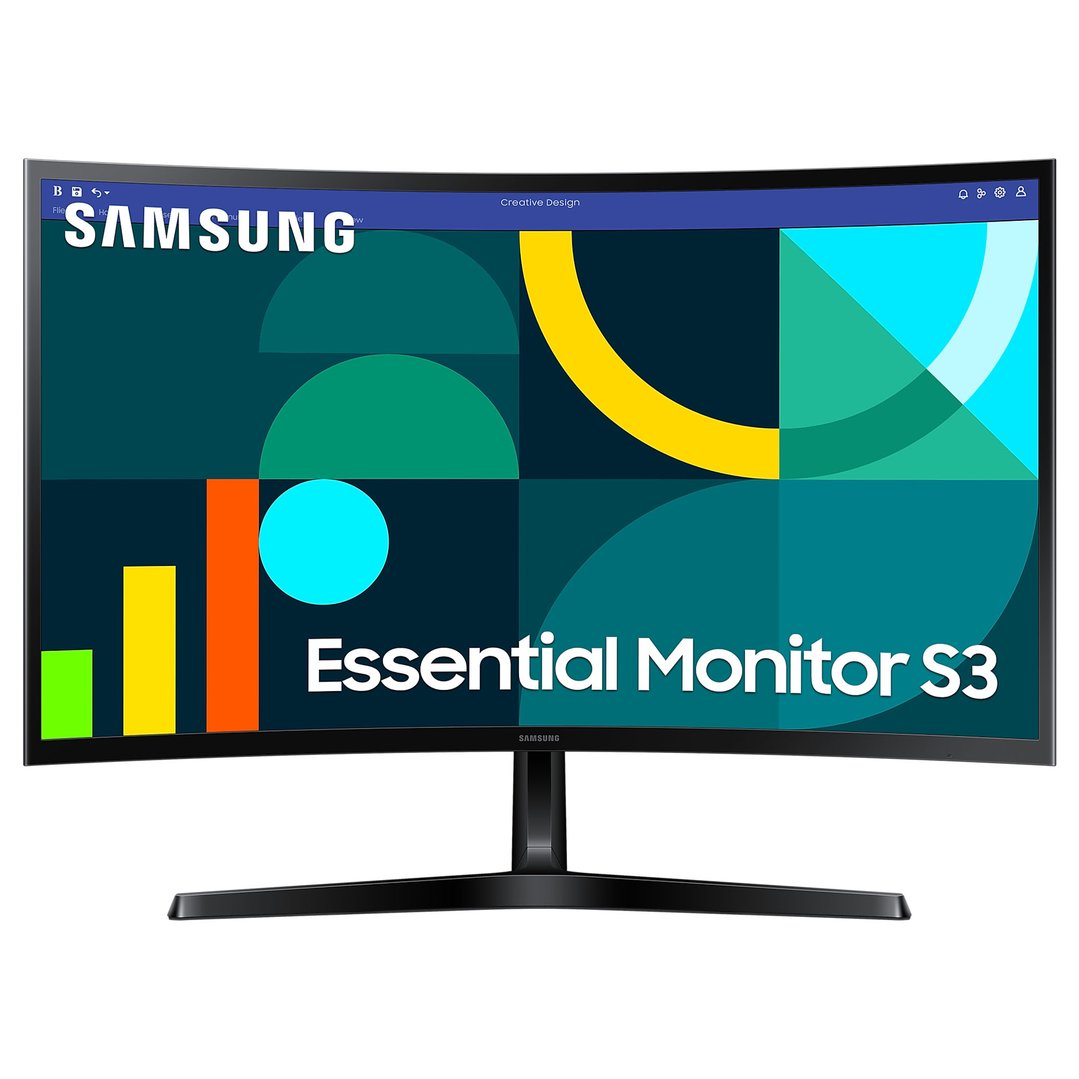


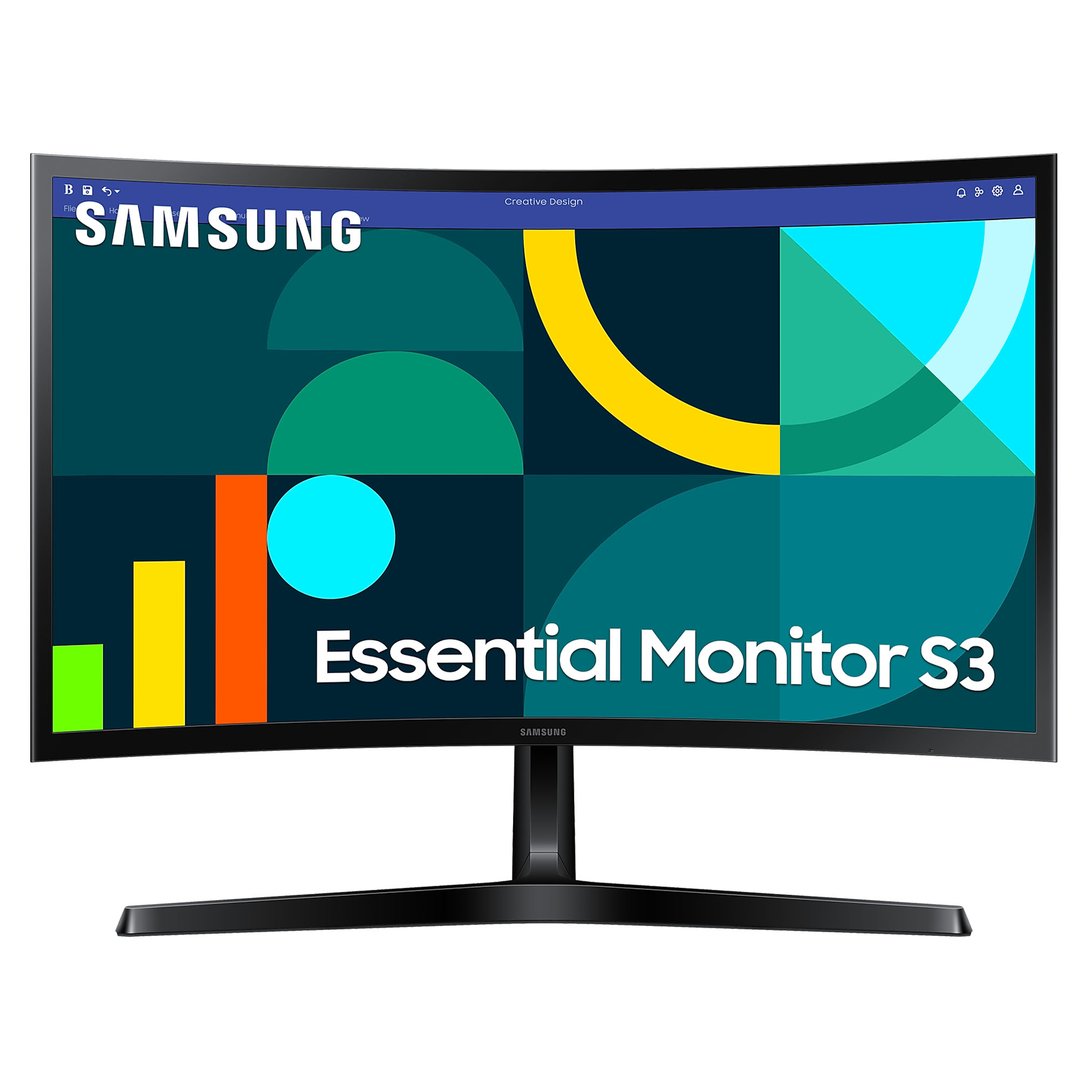
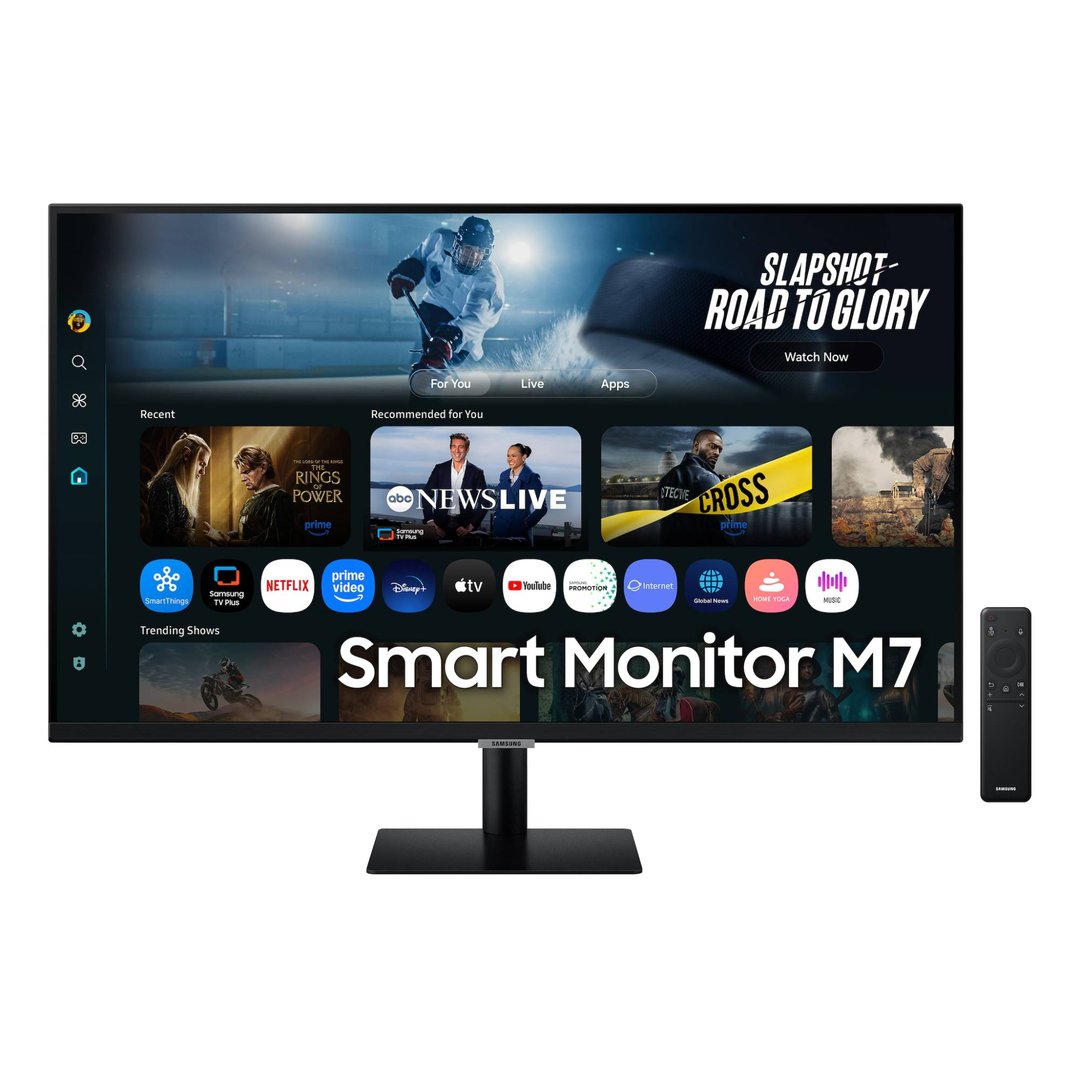
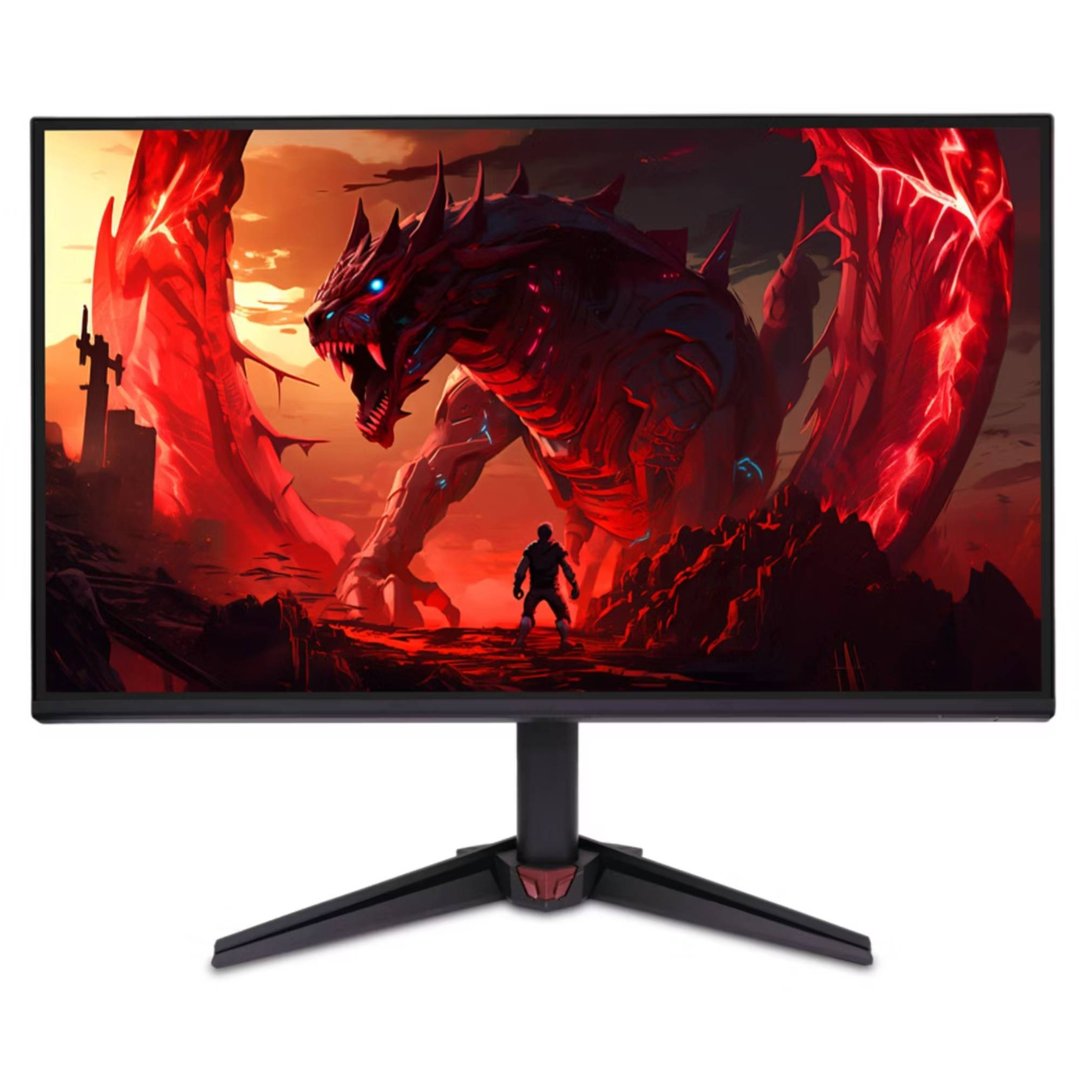
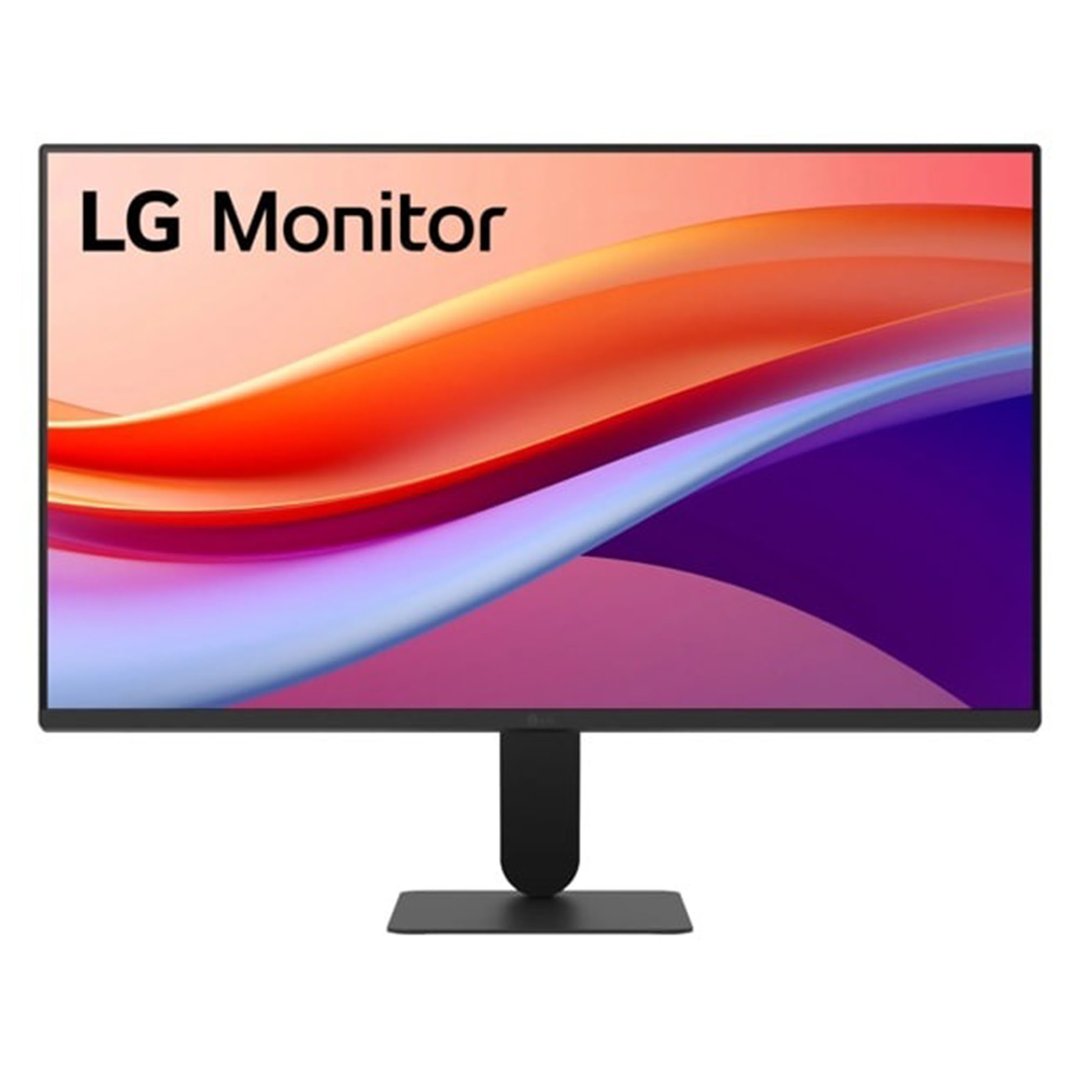

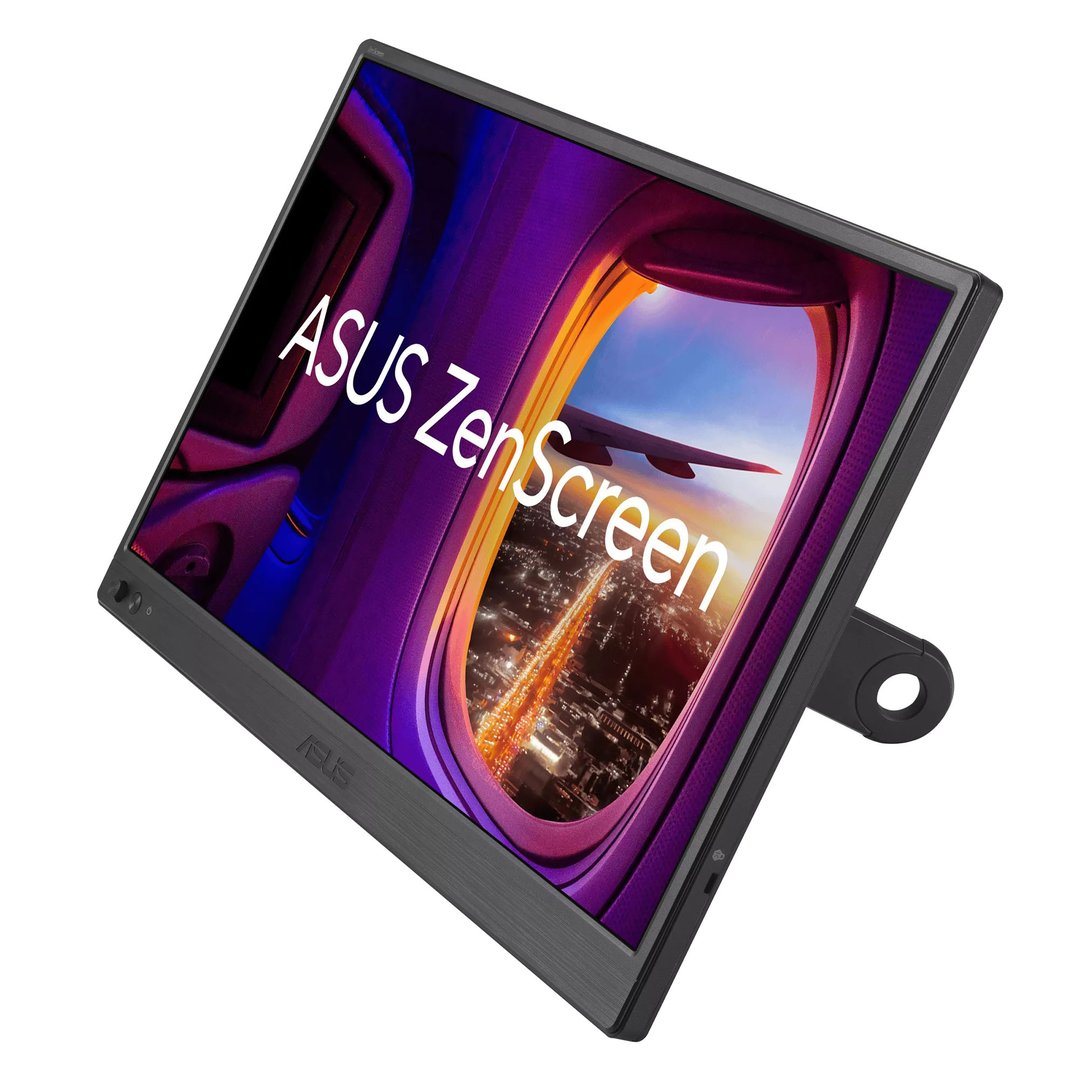

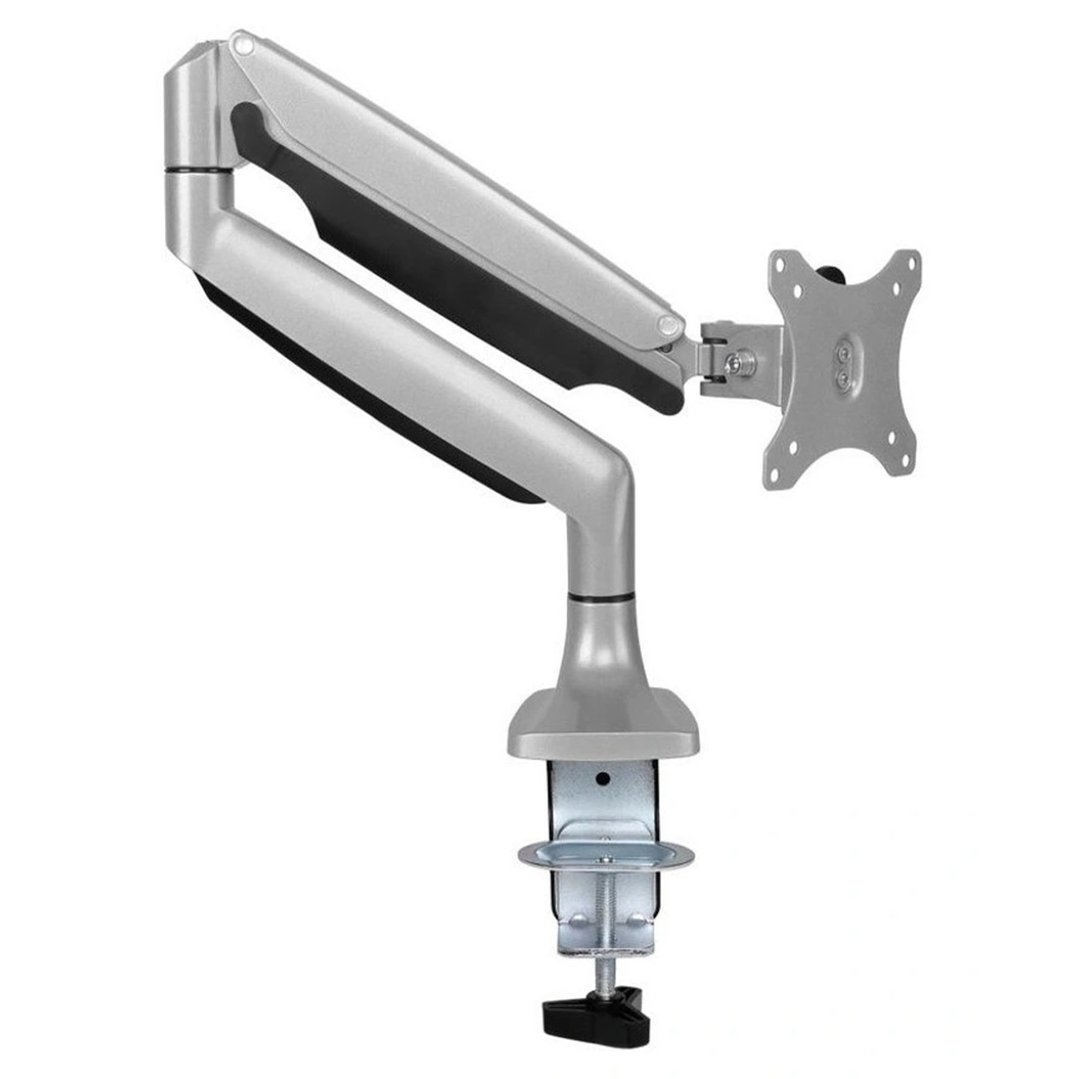

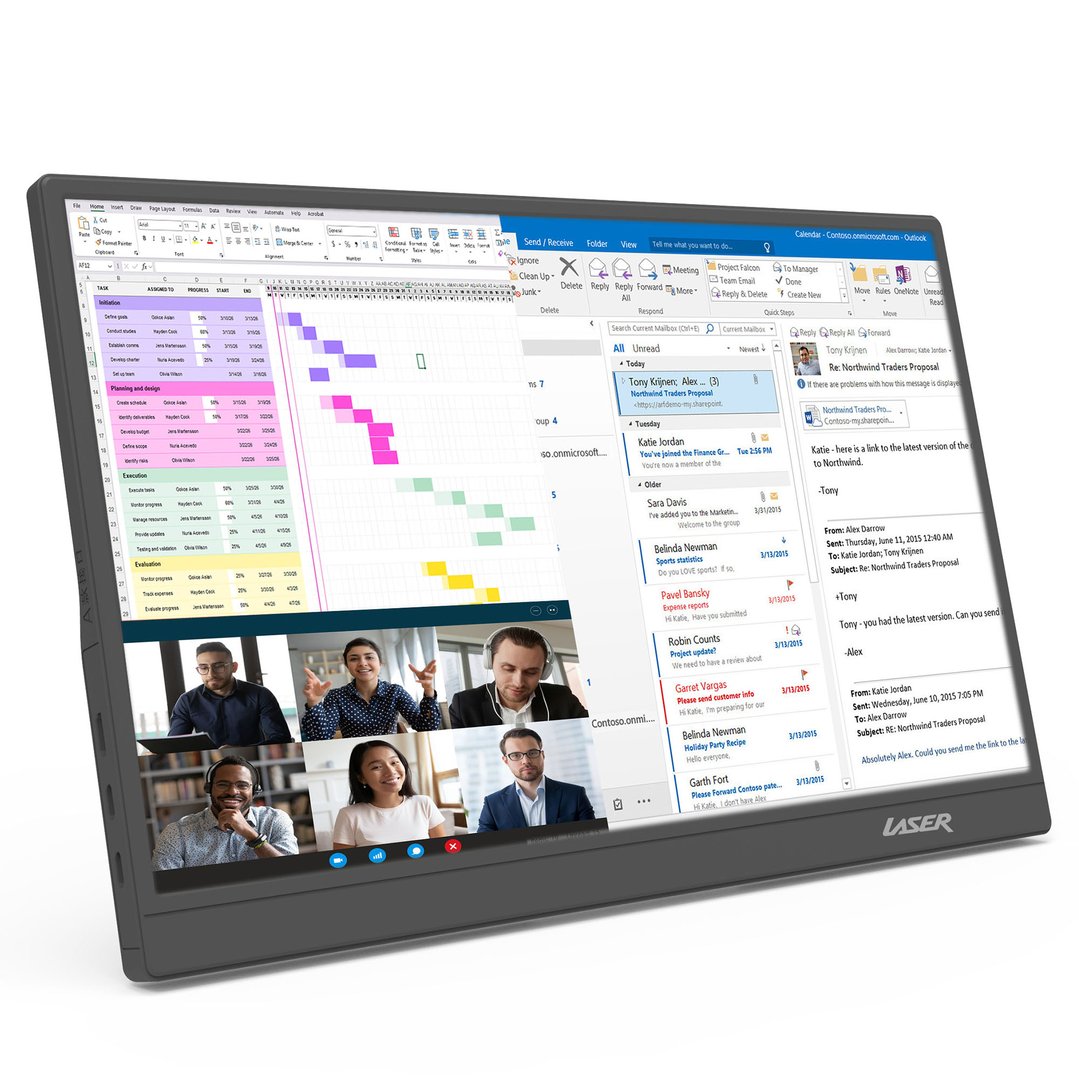
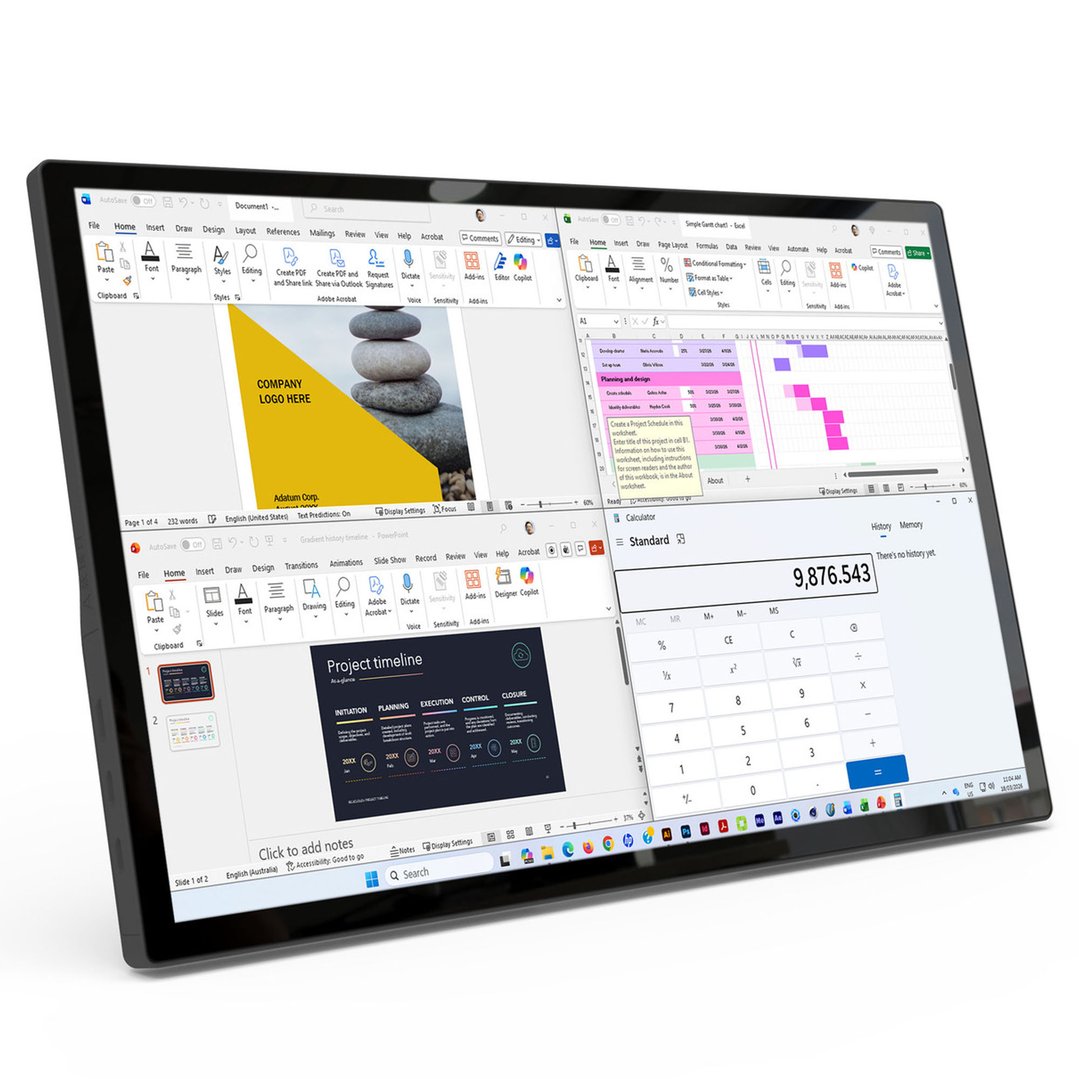
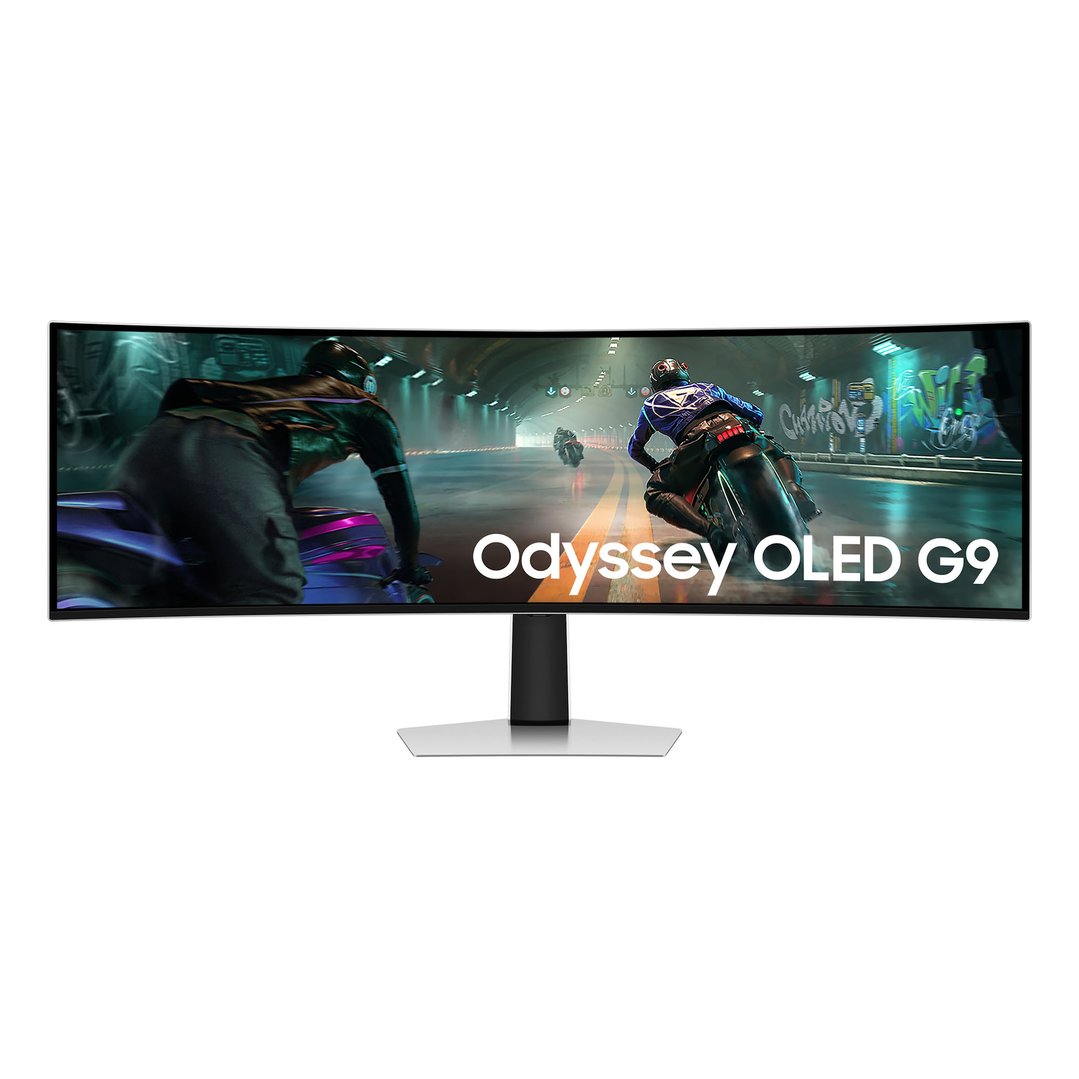

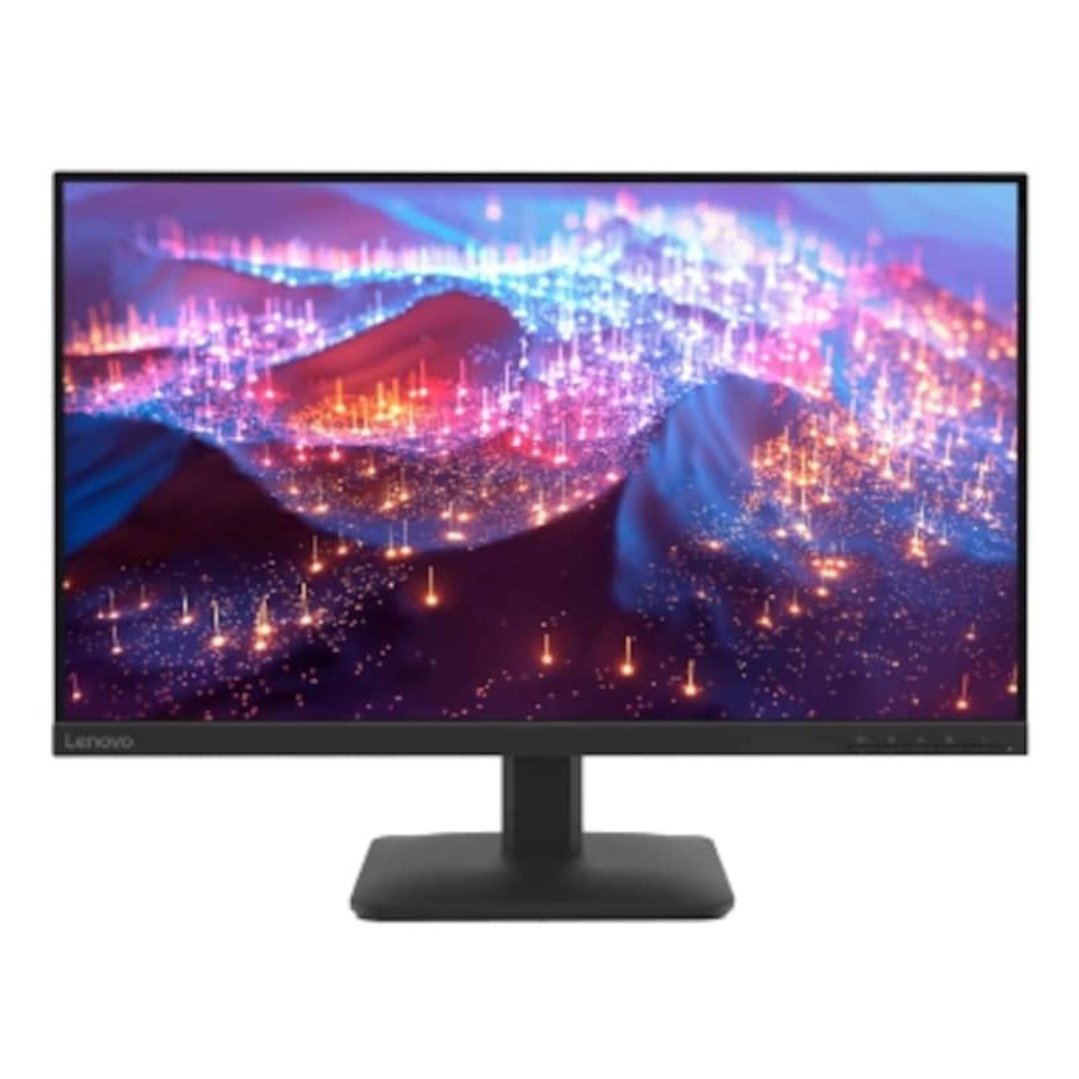
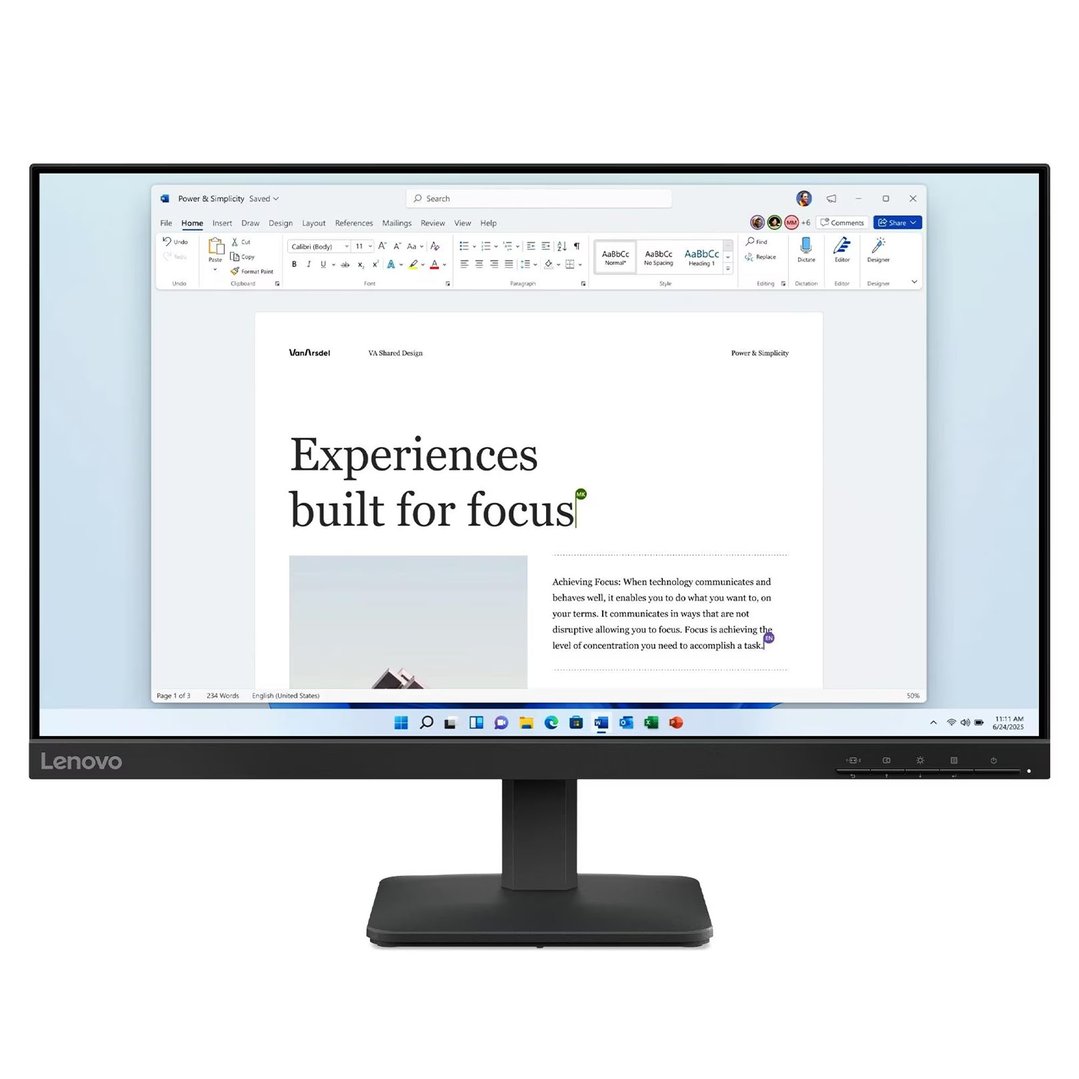
Discover the perfect computer monitor for your setup with our extensive range at Bing Lee. Whether you're gaming, working, or streaming, we have the ideal screen to meet your needs. Explore top brands and cutting-edge technology to enhance your viewing experience today.
FAQs
1. What are the key features to consider when choosing a computer screen monitor for home use?
When selecting a computer screen monitor for home use, several key features should be considered to ensure optimal performance and user satisfaction. Firstly, screen size is crucial; larger screens provide more workspace and are ideal for multitasking or entertainment purposes. Resolution is another important factor; higher resolutions such as Full HD (1920x1080) or 4K (3840x2160) offer sharper images and better clarity. Consider the panel type as well—IPS panels provide superior colour accuracy and viewing angles compared to TN panels. Refresh rate is also significant, especially if you plan on gaming; a higher refresh rate like 144Hz offers smoother motion. Lastly, connectivity options such as HDMI, DisplayPort, and USB-C ensure compatibility with various devices.
2. How does a gaming computer screen enhance the overall gaming experience?
A gaming computer screen significantly enhances the overall gaming experience by offering features tailored specifically for gamers' needs. High refresh rates, typically 120Hz or 144Hz, provide smoother gameplay by reducing motion blur and improving response times. Low input lag ensures that actions are registered almost instantaneously, which is crucial in fast-paced games. Adaptive sync technologies like NVIDIA G-Sync or AMD FreeSync eliminate screen tearing by synchronising the monitor's refresh rate with the graphics card's output. Additionally, high-resolution displays such as QHD (2560x1440) or 4K deliver stunning visuals with greater detail and clarity. Enhanced colour accuracy and HDR support further enrich visual quality by providing vibrant colours and deeper contrasts.
3. What are the benefits of using a portable computer screen for work and travel?
Using a portable computer screen enhances productivity and convenience while working or traveling. These lightweight, compact screens are easy to carry and provide additional display space with minimal setup. They support multitasking by extending your desktop or mirroring displays for presentations. Many models offer versatile connectivity options like USB-C or HDMI, ensuring compatibility without extra adapters. Additionally, they often feature adjustable stands or cases for ergonomic viewing angles, making them a practical choice for mobile professionals.
4. How do I select the best PC monitor for my specific computing needs?
Selecting the best PC monitor involves understanding your computing needs, whether for gaming, graphic design, or general use. Key factors to consider include resolution (Full HD vs 4K), panel type (IPS vs TN), refresh rate (60Hz vs 144Hz), and colour accuracy for professional tasks. Ensure compatibility with your hardware by checking for the necessary ports and look for ergonomic features like height adjustment for comfort. For a diverse range of top brands and models to meet your specific requirements, visit Bing Lee.
5. What should I look for in a high-quality computer monitor to ensure optimal performance?
To ensure optimal performance from a high-quality computer monitor, several factors must be considered carefully before making any purchase decisions:
- Resolution: Choose at least Full HD for sharp images; consider QHD or 4K for better quality if the budget allows.
- Panel Type: IPS panels provide superior colour reproduction and viewing angles compared to TN panels.
- Refresh Rate: A higher refresh rate (above 60Hz) is crucial for fast-paced activities like gaming, improving fluidity.
- Connectivity Options: Ensure enough ports (HDMI, DisplayPort, USB-C) for current and future devices.
- Ergonomics: Look for adjustable stands to maintain comfortable postures and reduce strain during extended use.
By focusing on these aspects tailored to individual preferences, one can enhance their computing experience with a display solution that effectively meets both current and future needs.